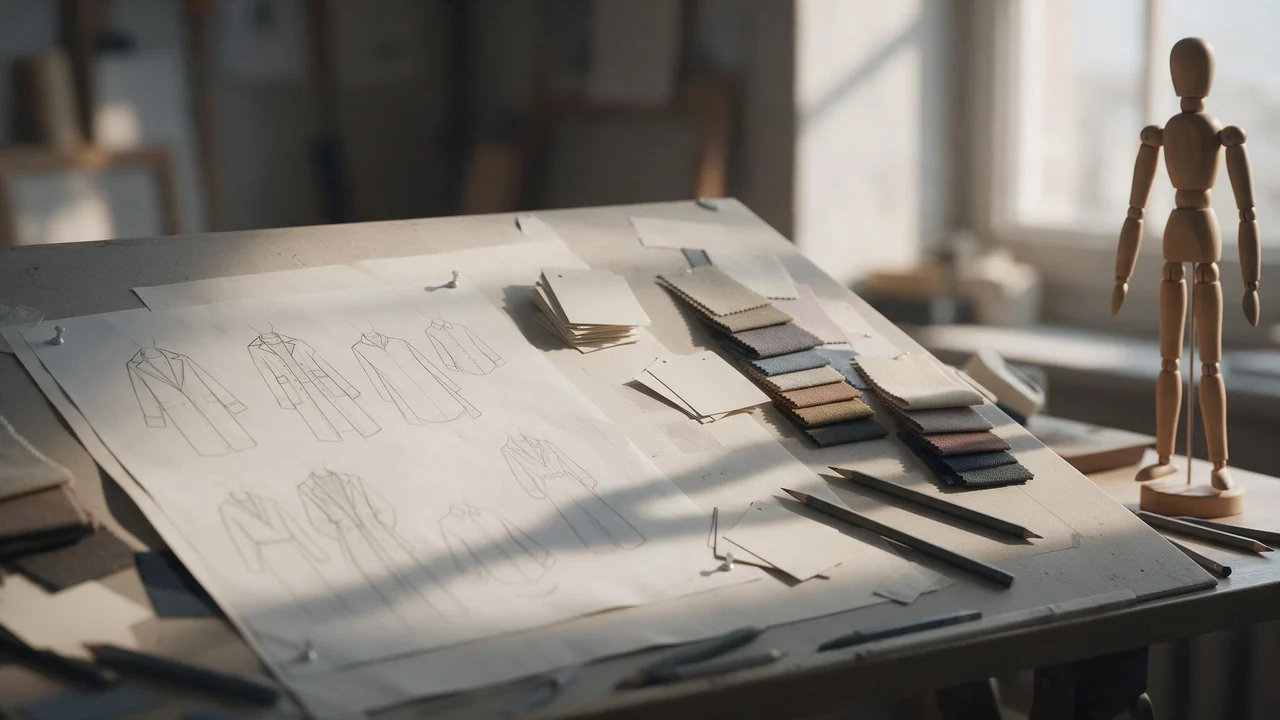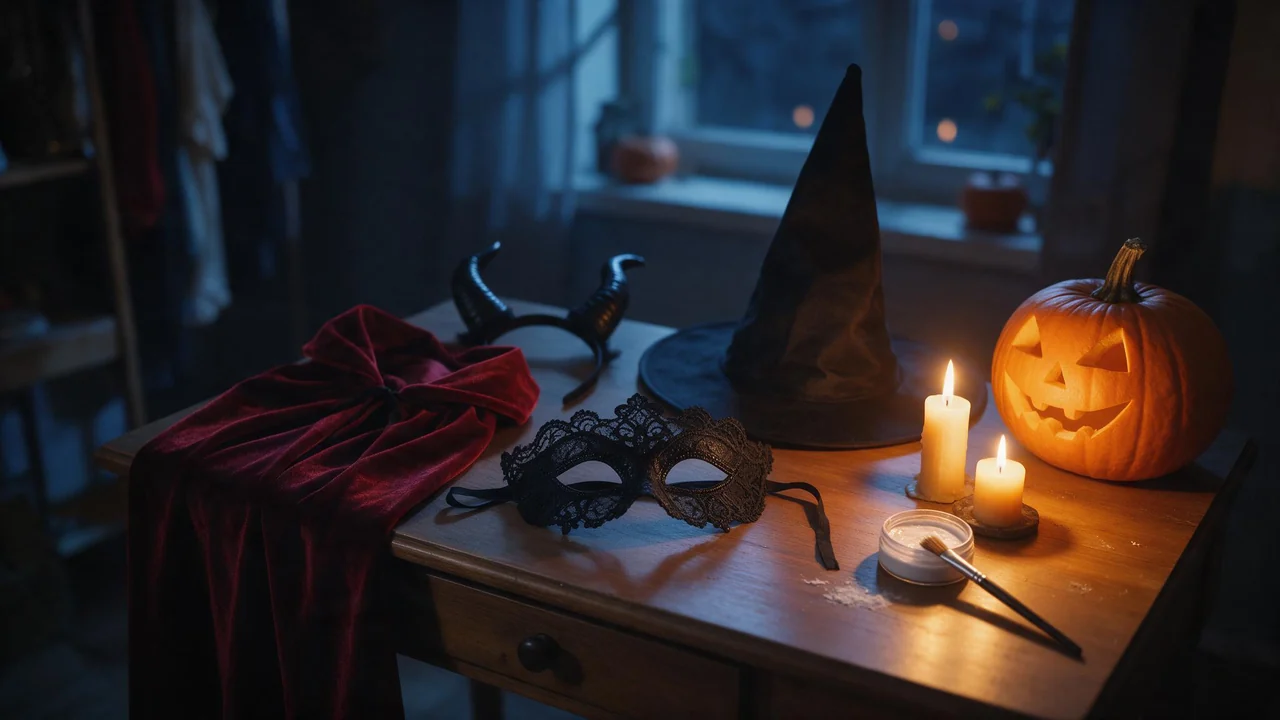
NSFW AI Halloween Costumes: Witches, Vampires and Masks That Render
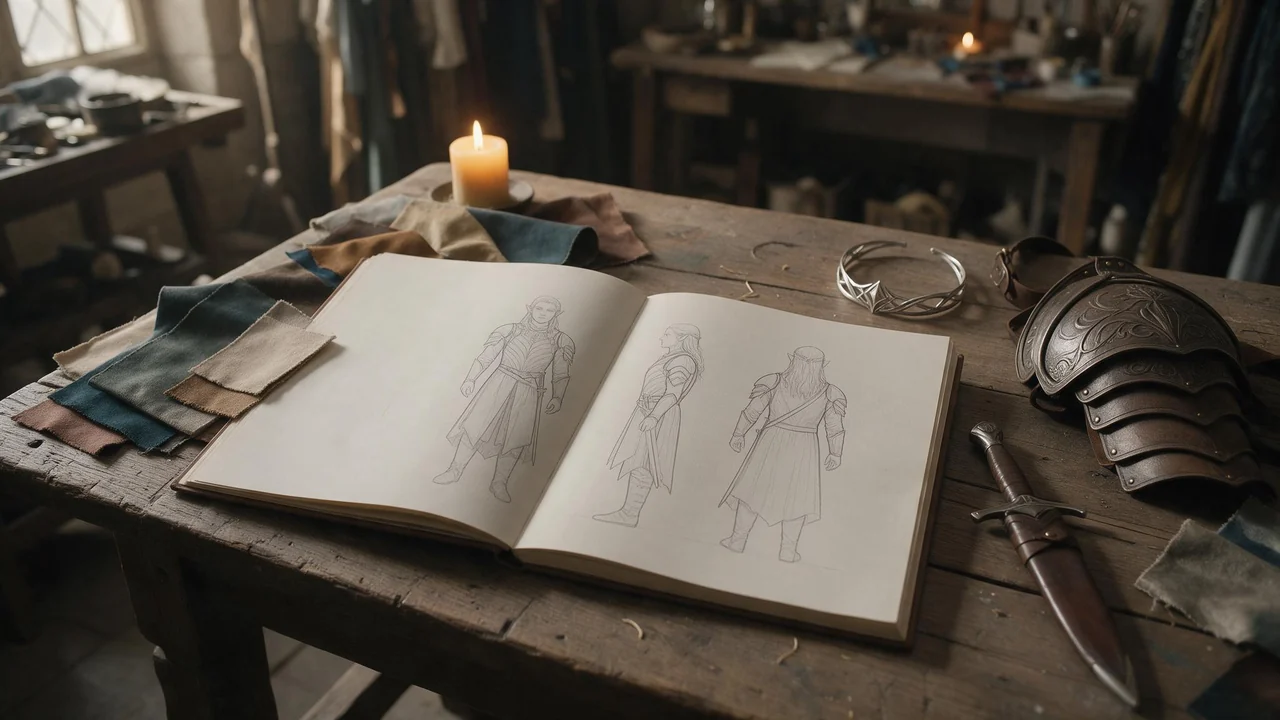
Your character is going out for Halloween. The costume words that render, the ones that swallow her, and how to keep her face her own under a mask, a cape or a pair of horns.
Every Fellowi article tagged Fellowi Images, newest first: guides, character deep-dives and practical tips. Each card opens the full article. Free to read.

Your character is going out for Halloween. The costume words that render, the ones that swallow her, and how to keep her face her own under a mask, a cape or a pair of horns.

One invented character built from a blank page: a single description line to paste into every prompt, the words that do not belong in it, and the card that keeps it safe.

Monday moods, Tuesday environments, Wednesday a character who keeps his look, Thursday key art. Plus what stays outside it: no sprite sheets, no tiles, no engine-ready assets.

Eight lab notes, each a before and after prompt line, on getting the right thing sharp and keeping a loud background from pulling the eye off the character.

Six checks and a short order of work for a small shop selling generated art: what the terms give you, what they do not, and why you read the pixels before you order stock.
Extra fingers, fused fingers, a hand melting into a glass. Five symptoms every character artist has seen, why each one happens, and the sentence that usually fixes it.

One ten-slide deck, reviewed the night before the talk: the title slide, the section breaks, the slide that explains an idea, the data slide and the last one. A fix for each.

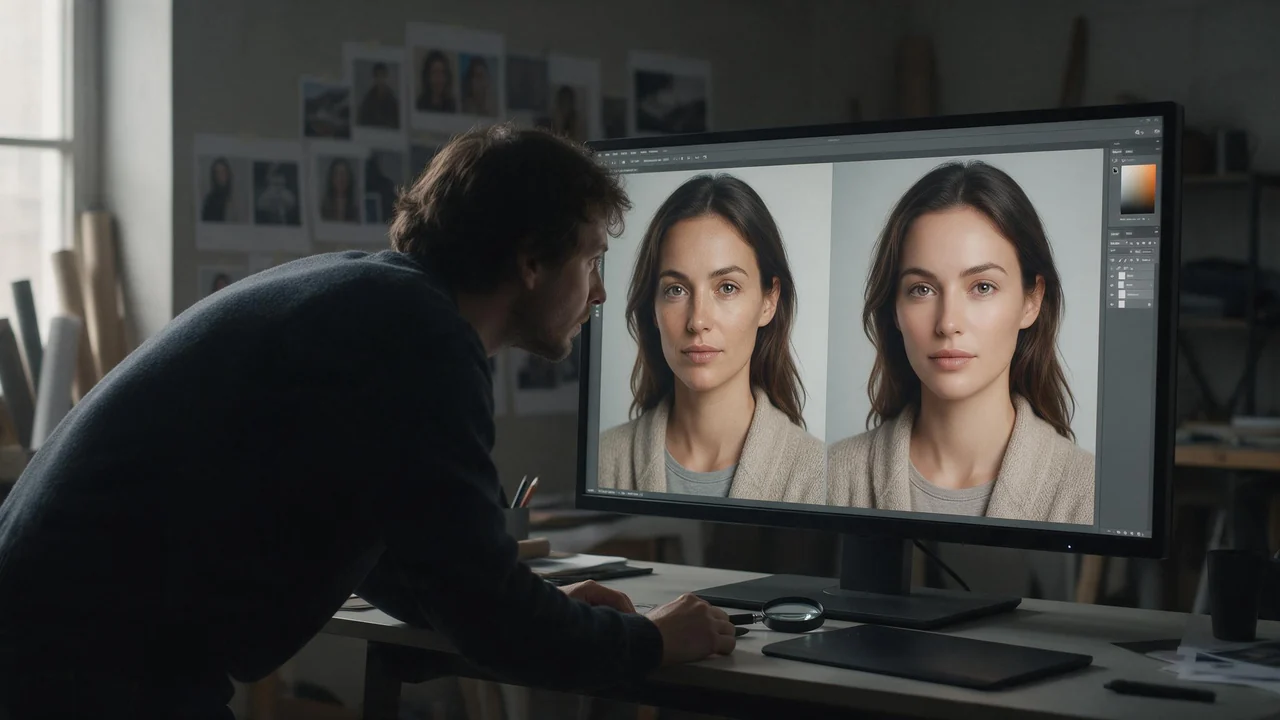
The details that make a face someone's are the first thing a model forgets. Five of them, ranked from the one that holds best to the one that drifts most, with a sentence to borrow for each.

A year of cards made at one kitchen table: a grandmother's eightieth, a save-the-date, a winter set and thank-you notes for a market stall. One rule from each.

A mirror doubles the picture and doubles the ways it can fail. Five setups with glass in them, the sentence that makes each one hold, and the cheat that saves most of them.

Your show is judged at the size of a fingernail, in a grid of a hundred other squares. Five rejected drafts, what was wrong with each, and the rules they add up to.

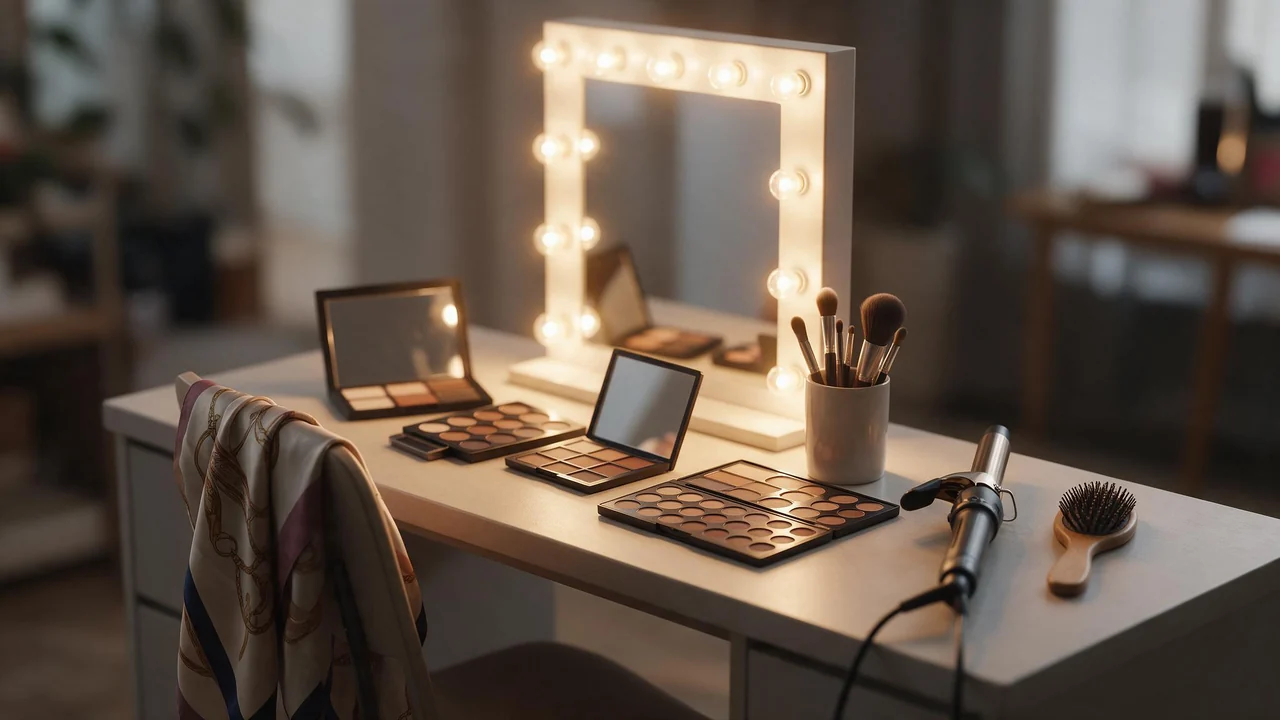
A stylist packs the whole kit and puts one piece on. What to pack, how metal meets the palette, the signature piece that holds a character across a set, and why earrings come out mismatched.

Autumn specials, a poster for the new brunch, a picture of a dish you have not cooked yet. Where generated food images earn their place in a small kitchen, and the one place they must not go.

Six palette cards a colourist would recognise, the words that trigger each, and why skin tone is the colour to protect first. A painter's swatch board, not a prompt dump.

A script page, a shot list and a stack of frames before anyone books a camera. The pre-production routine, and why the board is a plan, not the film.

Leave the body unsaid and the model hands you the same one every time. Seven notes in the figure-drawing tradition: build, proportion, height, skin and the marks of an adult life.

Pick the right selfie, square the frame, change one thing at a time. And know before you start that it will look like a version of you, not a photograph of you.

A stylist works in order: hair, skin, eyes, lips, then a photo for continuity. The same order makes a better prompt. A prep sheet of the words that render and the ones that do nothing.

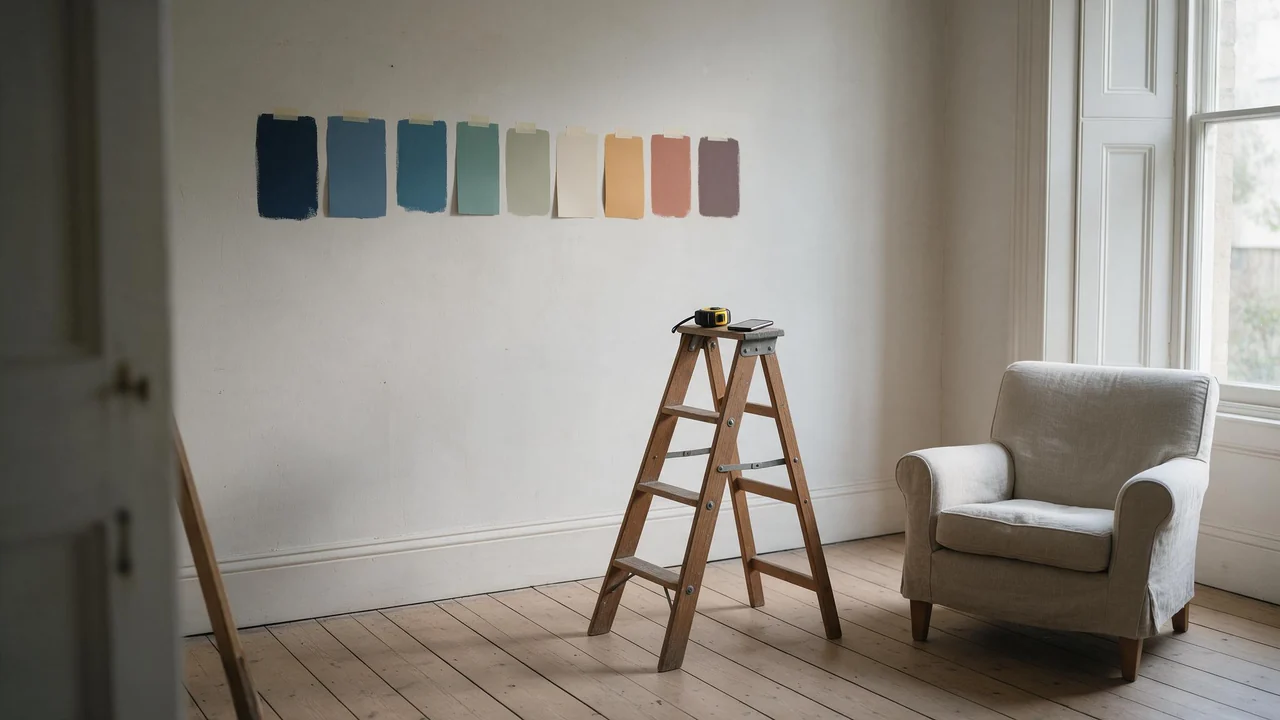
One photo of the room as it is, then a dozen versions of what it could be. How to take the photo, what to ask for, and why the picture is a mood board, not a floor plan.

A perfect face with a blank stare is a mannequin. Notes on writing the look: eyes, mouth, brows, a reason behind the smile, and the expressions image models still get wrong.

A wallpaper is a picture with a clock, a dock and twenty icons on top of it. Screen by screen: the frame to pick, where to leave empty space, and what an AI generator still cannot do for you.

Before the light, the outfit or the pose, there is a room. A set designer's walk through four dressed rooms, the props that earn their place, and the sentence that keeps a setting from drifting.

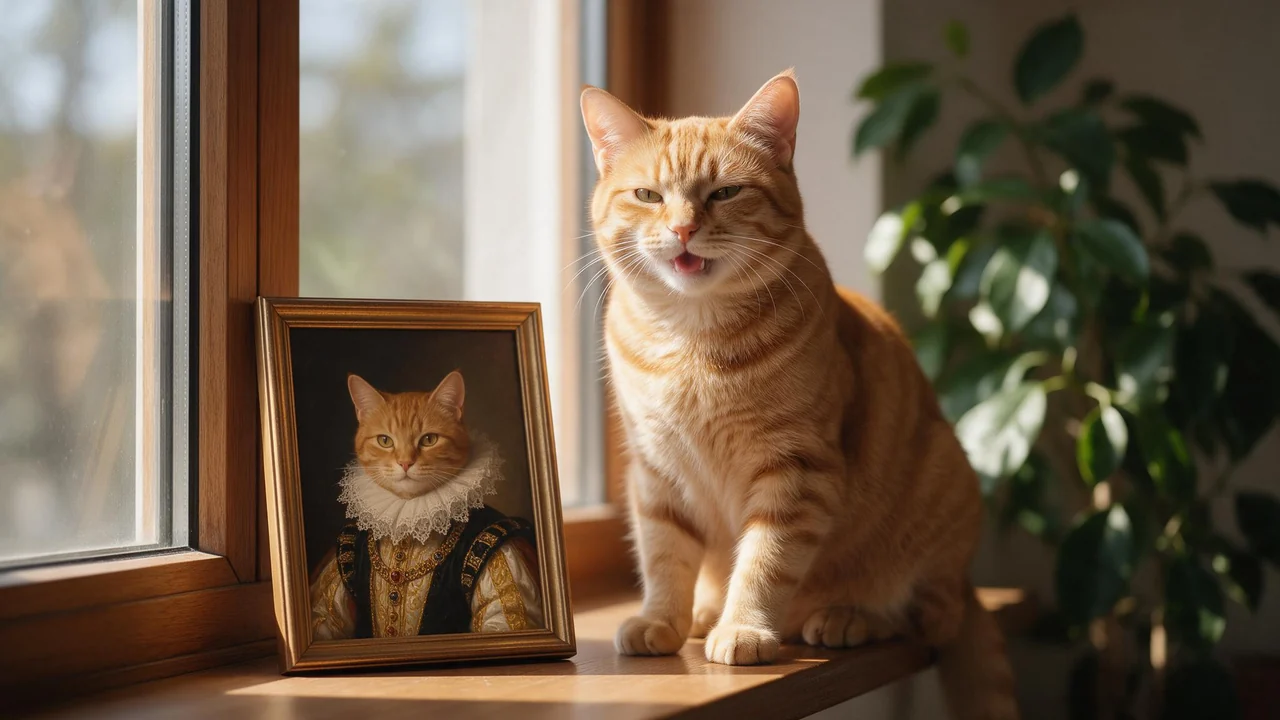
A ginger cat as a Tudor queen, a beagle in a space suit, a rabbit in a storybook. A small recipe for pet portraits that still look like your pet, and the honest list of what drifts.

The art can come from a prompt. The title, the spine and the genre signals still need a human eye. A practical split of the work for indie authors, with the rights spelled out.

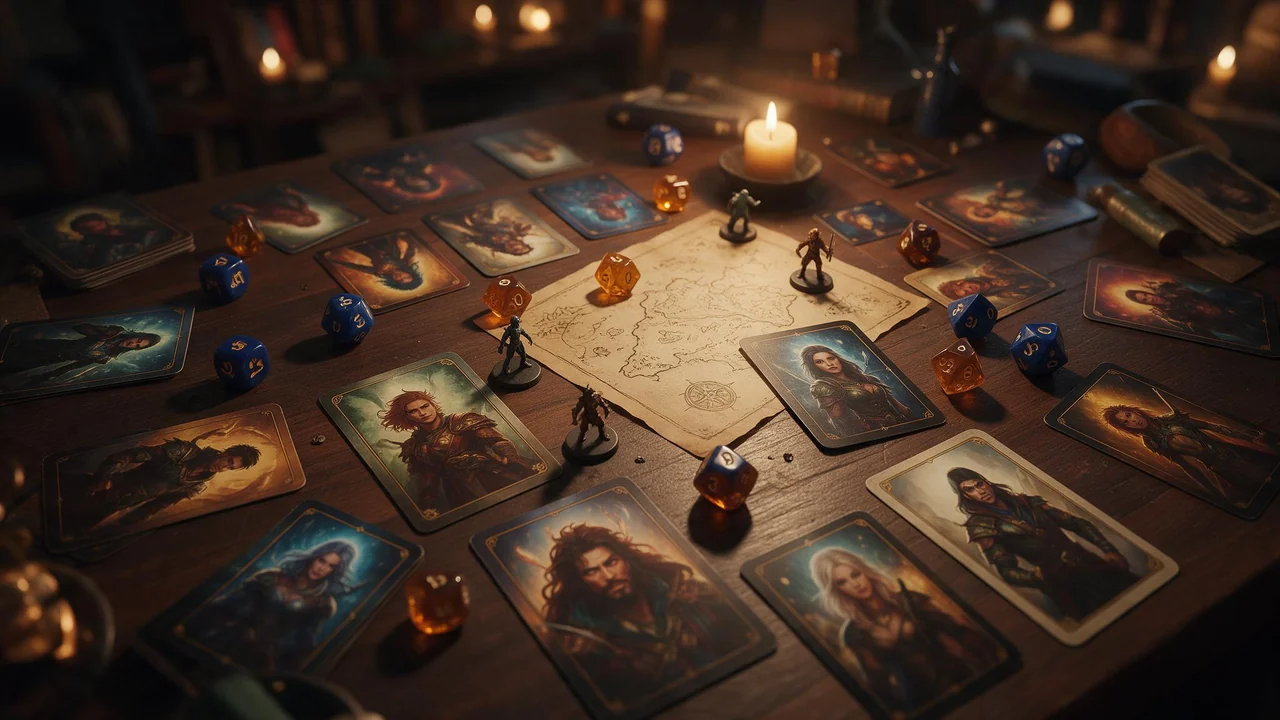
Theatre of the mind works better when the innkeeper has a face. A session-prep routine for portraits, NPCs, locations and handouts, and the honest list of what AI art will not do for your table.

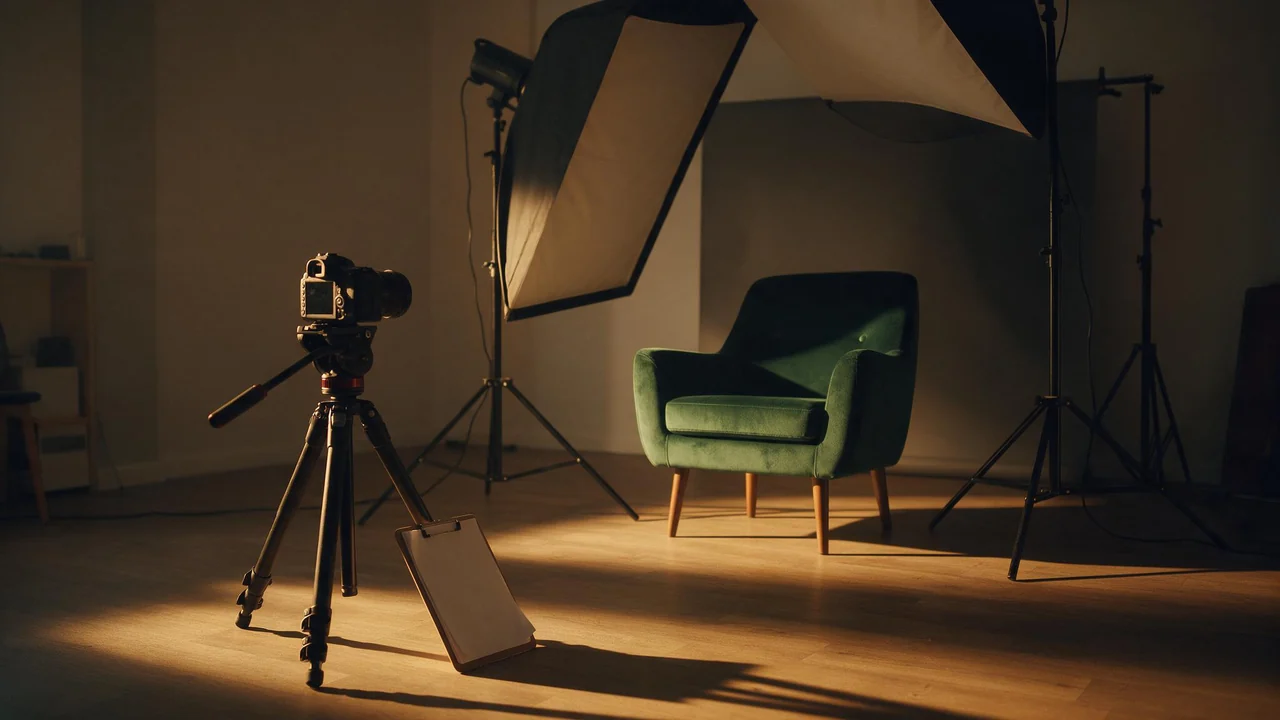
Light and fabric are only half of a picture. Where the camera stands decides the rest: height, distance, lens, pose and gaze, as a photographer's shot list you can paste into a prompt.
A candle shop, a bakery, a one-person studio: a recurring face makes a small brand's feed feel like somebody runs it. Where an AI presenter helps, where she backfires, and how to keep her the same.

The API docs tell you how to make one picture. An agency needs to make thousands for a dozen clients without losing track of who paid for what. Six rules from the way the API actually behaves.

A coin price is not a budget. The unit a team should plan in is the finished asset, and the packages built for teams only pay off once you know your own keeper rate. A method in four steps.

An elf ranger, a vampire countess, a knight with a scar: original fantasy characters are where AI pictures get personal. A character sheet, the anchors that carry her, and the rules that hold.

Fabric words do a lot of quiet work in an intimate AI picture. A six-entry dictionary with the phrase, the look and the usual failure, plus how to write one outfit sentence.

One good picture is a moment. Six that belong together are a story. A shot list from establishing frame to quiet close, with the settings that keep it one character.

Light is the part of an intimate AI picture most people leave to chance. Five recipe cards, one sentence each, plus how to keep a whole set under the same light.

A buyer's guide for the moment before the subscribe button: how Leonardo's tokens work, what they do better than us, where coins win, and what we still cannot do.

You can start without reading a manual. These are the words on the controls around the prompt field, each explained in a breath, with the article that goes into detail.

Seat subscriptions against pay-per-picture coins, the per-image maths both ways, and the things OpenArt genuinely does better.

The file you download is clean, private and yours to use. Here is the full list of strings we do not attach, and the few limits we do.

Start from the picture, not the prompt. Eight symptoms of a bad adult render, the usual cause behind each, and the one change worth trying first.

Five looks for adult AI images, the vocabulary that moves a model toward each, one suggestive example prompt apiece, and how to keep a whole set in one style.

Adult fiction made for yourself is legal in many places, though not all. Minors, non-consent and real people without their consent are another matter almost everywhere.

The Model select in the image studio has three entries, and the cheapest one is deliberately limited. Here is what each produces, what each costs in coins, and when the small one is the right call.

On its top plan, used in full, Playground is cheaper per picture than any package of ours. What its pricing page does not lead with: public by default, and no refund when you cancel.

A picture in the wrong shape gets cropped or regenerated, and regenerating costs coins. Choose the frame first: what each ratio is good for, and what auto really does.

Use a Krea plan every month and it is far cheaper per picture than we are. Generate in bursts and the units that expire unused are the real price. Both sides, read the same day.

The picture you keep is rarely the expensive part. The six before it are. Here is the order to turn the paid switches on, and the ones you can leave off entirely.
The picture is the part AI does well. The title, the permissions and the final check at postage-stamp size are still yours.

No password, no card, no plan. The seven steps from an empty inbox to a downloaded picture, and the four things the free coins will not do for you.

Flat monthly plans suit heavy daily users. Pay-per-image suits everyone else. Where each one wins, checked against their own pricing page today.

A laptop, a browser tab and a handful of coins. What you gain by not installing anything, and what you give up.

Pay once for a pack, spend it one picture at a time, keep what is left. Here is the whole route from a sentence to a file on your disk.

Everyone says fast. Almost nobody says how many seconds. Here are ours, taken from the same rows that bill you.

The studio looks like one button. Here is every step behind it, including the part where a failed job gives your coins back.

One of them is a marketplace you bring skill to. The other hands you a box with fewer buttons. Which you want depends on a single question.

A failure refunds itself. A refusal never charges you at all. The only thing you really pay for is a picture that worked.

Twenty concepts before lunch is a real advantage. A faithful photograph of your client's product is not. Knowing the line is the whole skill.

The face survives a hundred posts because of references, not adjectives. A working method, and the rules that decide what you can actually publish.

No share, no credit, no separate commercial licence. And three honest limits that no generator can write away for you.

Nine coin packages, one honest comparison: what you actually pay per coin at every tier, from a €2.99 starter to the biggest pack Fellowi sells.

Up to 10 reference images per generation - your own photo or a companion's - and the model edits from them instead of starting blank.

A second subscription, separate from your chat plan: coins for Images and Video land in your wallet every month, automatically.

A rewrite helps most when you wrote least. Turn it on for a one-line idea, turn it off the moment you start tuning, and here is why.

We claim nothing and you can use it commercially. Whether anyone can stop someone else copying it is a separate question, and the honest answer is less reassuring.

Every render costs somebody real money. That single fact explains almost everything about how free AI image generators behave.

Getting better at this was mostly subtraction. Here is everything I dropped, why, and what replaced it.

The single biggest jump in my results was not a technique. It was writing things down so I stopped starting from scratch every time.

I assumed the phone was the compromised version. It turns out the constraints of a small screen and a thumb keyboard change what you make, mostly for the better.

Almost nothing I generate gets shown to anyone. It turns out the useful cases are the unglamorous ones nobody writes posts about.

I kept the whole trail for once. Twelve attempts, about eighty cents, and only seven of them taught me anything.

I do not think the people who object to this are stupid, and I am not going to pretend the answer is obvious. Here is what I actually think.

A pricing page tells you what one image costs. It does not tell you that you will make eleven of them before you keep one.

I burned my free coins in about ninety seconds and had nothing to show for it. Here is what the rest of the week looked like.

The tell is never that the image is bad. It is that it is too clean, too even and too symmetrical. Here is what to write instead.

Every generator says your data is safe. Here are the actual mechanics on Fellowi: where the bytes live, who can reach them, and when they are destroyed.

Typing hentai into a prompt does less than people expect. Here is what the genre is actually made of visually, and which words move the render.

Most prompt guides teach in fragments. This one hands you five whole prompts you can paste as they are, then explains the order the parts go in.

Most of the settings do less than you think and two of them do far more. Here is the honest ranking, with what each costs.

The same prompt works on Tuesday and fails on Thursday. That is not you imagining things, and the reason is more interesting than censorship.

Photoreal prompting advice quietly fails on anime. Here is the vocabulary that actually moves the needle, from someone who kept getting mush.

A written description is not an identity. A reference image is. What that changes about how you write the rest of the prompt.

Stills, clips and the conversation around them are three different machines. Knowing which one you want saves coins and disappointment.

Name what should be in frame, never what should not. Six rewrites, and the one habit that makes a generator produce the exact thing you were trying to avoid.

One studio, two tabs. Generate the still, make it the start frame, describe the motion, and watch it move.

Bearer key, POST, poll, download. Same generator and price as the web app, just a different door in.

Six packages, real prices, coins that never expire, and a refund if a generation fails.

Four settings, one minute to decide. Here's when each one actually matters.

Vague prompts get vague pictures. Here is what to name instead, with six real rewrites.

Uncensored does not mean no rules. It means the rules are stated plainly instead of hidden.

Write a prompt, pick the details, get a picture back - including explicit generation for registered adult members.