

AI Concept Art for an Indie Game: One Week from Mood to Key Art
By The Fellowi Team · · 5 min read
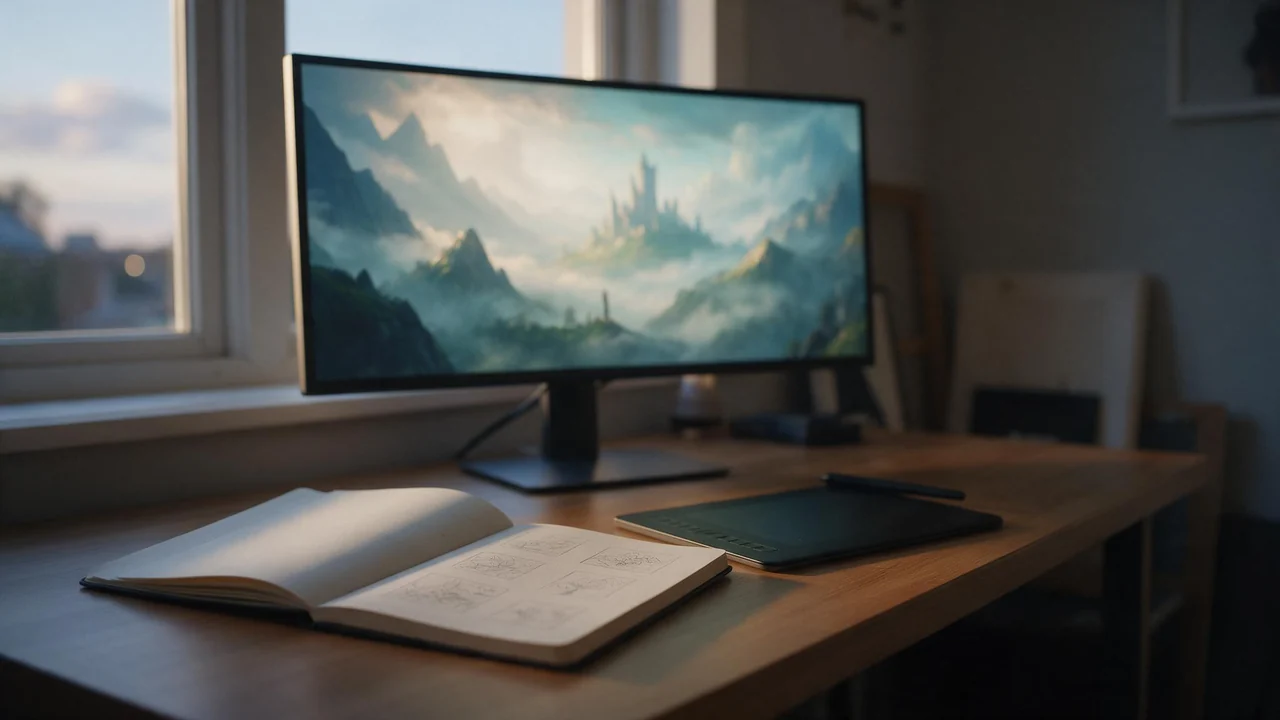
A small game rarely dies of a shortage of ideas on Monday. It dies around week three, when the ideas live in a few heads, or in one head on four different days, and no two of them look alike. Concept art is what puts them on a single page. This is a preproduction week as I would run it with an image generator in the loop: what to ask for each day, what to keep, and the part where it is simply the wrong tool.
Monday: moods before maps
Do not start with the hero. Start with a feeling, one per prompt: “abandoned lighthouse after a storm, cold green light, the sense of being late”. Make a dozen cheap drafts and do not polish any of them. You are looking for the three that make you say “yes, that is the game”. Put them side by side and write down what they share: the palette, the kind of light, how much empty space. That sentence is your style line. Paste it unchanged into every later prompt and change only the subject; keeping a prompt library shows where to store it, and drafting first explains why the early rounds belong in the cheap settings.
Tuesday: environments at the shape of your screen
Choose the frame before the place. Fellowi Images has a picker with 16:9 for a typical screen, 21:9 for a cinematic strip and tall shapes for a phone game; the aspect ratio guide has the whole list. Then ask for one place per prompt and say what the player does there: a rope bridge to cross, a market street with three exits. Generators love a centred landmark, so ask for a quiet foreground and a path that leads the eye. Render the same place at dawn and at night to see how far the light can go. What comes back is a painting to argue with, not a level layout: it ignores your gameplay space, and the bridge it draws may lead nowhere.
Wednesday: a character who keeps his look
Describe the silhouette first, a tall hooded figure or a round heavy one with a lantern, then the materials, then one detail that tells a story, such as a mended glove. When one version is right, attach it as a reference image and ask for the same character in a new pose or a new place. The reference images guide explains how that works. It holds the overall look, not every stitch, and the cheapest image family takes no references, so pick another one for this step. If the reference is a photo of a real person, you need that person’s permission.
Thursday: key art, as ten rough ideas
Key art is the picture on the store page, with a logo and a tagline laid over it. So generate thumbnails with that in mind: a poster shape, a banner shape, and a large calm area where the logo will sit. Keep lettering out of the prompt, because words inside a generated image come out misspelled or warped; the title goes in your editor. Ten rough compositions in an hour is realistic. Pick one and treat it as a brief for whoever paints the final, which may be you. If you want to feel a trailer mood early, the same still can be animated in Fellowi Video.
Friday: what you are allowed to do with it
The facts in our terms are short. We place no restriction on commercial use, take no share and need no credit. There is no exclusivity: someone with a similar prompt may get a similar picture, which matters when the picture is your game’s identity. There is no warranty that you own a copyright in the output, and in several countries purely machine-made work may not qualify for one; who owns AI images and commercial use of AI imagesgo through it. Using someone’s likeness or a trademark is on you, and files are deleted after a retention period (see the product page), so download what the project needs into its own folder. My rule from that: concept art is direction, and the picture that makes the game recognisable should have a human author.
Where it fails
The studio gives you one flat picture per generation, as a PNG or JPEG file. It has no setting for a transparent background, for seamless tiling or for a sprite sheet, and nothing exports to an engine format. Writing “on a transparent background” in a prompt gets you a character on some background. So there are no sprite sheets with matching frames, no tileable textures, no clean cut-outs and no engine-ready assets. It also does not know your game: the readability of a character at thumbnail size, the width of a corridor, the camera. Shrink every concept to the size it will have on screen before you fall for it. Concept art ends where production art begins, so the day you need frames or tiles, open your pixel tool or hire an artist, and hand over Monday’s style line and Thursday’s pick as the brief. For a table rather than a studio, see AI art for tabletop campaigns.
Questions this post answers
Can Fellowi Images make sprite sheets or tileable textures?
No. It produces one flat picture per generation, with no setting for transparent backgrounds, seamless tiling or sprite sheets, so it suits concept art rather than finished game assets. Use it for mood, environment and character direction, and make production assets in your own tools.
Can I use the pictures in a commercial game?
Our terms place no restriction on commercial use, and we take no share and need no credit. There is no exclusivity and no copyright warranty, so use the pictures as direction and keep the visuals that make your game recognisable human-made.
How do I keep a character looking the same across pictures?
Settle on one version, attach it as a reference image and ask for new poses or places. It holds the overall look rather than every detail, and the cheapest image family does not take references.
Keep reading
What a Team Actually Spends on AI Images: Reading the Bulk Coin Packages
A coin price is not a budget. The unit a team should plan in is the finished asset, and the packages built for teams only pay off once you know your own keeper rate. A method in four steps.
AI Book Covers for Self-Published Authors: What to Generate and What to Leave to a Designer
The art can come from a prompt. The title, the spine and the genre signals still need a human eye. A practical split of the work for indie authors, with the rights spelled out.

A Face for a Brand That Cannot Afford a Model: AI Avatars for Small Shops
A candle shop, a bakery, a one-person studio: a recurring face makes a small brand's feed feel like somebody runs it. Where an AI presenter helps, where she backfires, and how to keep her the same.