

Pick the Shape First: AI Image Aspect Ratios for Every Platform
By The Fellowi Team · · 6 min read
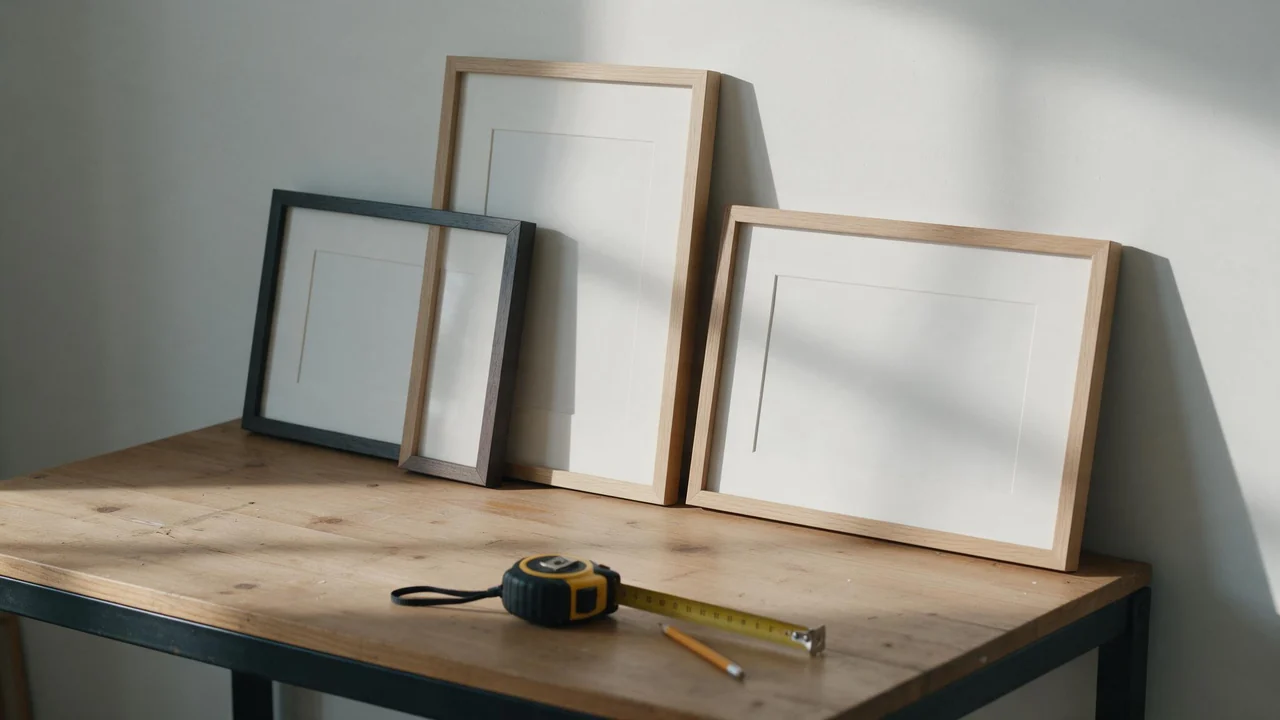
Most of the pictures people throw away were fine pictures in the wrong shape. A portrait that had to be a banner. A wide scene that had to be a story. You make it, you crop it, the crop chops off the thing you liked, and you make it again. On a tool that charges per picture, that second attempt is the expensive part of a bad habit, and the fix costs nothing: decide the shape before you press the button.
The shapes on offer
The image studio lists 15 shapes plus an auto setting. They fall into four families, and it helps to think in the families rather than in the numbers.
- Square (1:1). Profile pictures, grid thumbnails, album-style covers. The shape that survives being cropped by anything.
- Portrait (4:5, 3:4, 2:3). Feed posts, posters, phone wallpapers. 4:5 is the tall end of a normal feed; 2:3 is the classic photo print.
- Landscape (5:4, 4:3, 3:2, 16:9). Blog headers, video thumbnails, desktop wallpapers, slides. 16:9 is the shape of a screen.
- The extremes (9:16, 9:21, 21:9, 2:1, 1:2, 3:1, 1:3). Stories, reels and shorts live at 9:16. The very wide ones are banners and cinematic stills; the very tall ones are pins, reading strips and phone lock screens.
The price does not care about the shape
A Standard picture is 40 coins whether you ask for a square or an ultrawide, and the studio shows that price before you generate (the full list, always current, is on the product page). Quality and the optional extras move the price; the frame does not. So there is never a saving in choosing the wrong shape on purpose, and never a penalty for choosing the right one. The only cost of a bad choice is the picture you make afterwards to fix it.
What auto really does
Auto sounds like the safe default, and for a first experiment it is. It is worth knowing what it means, because it means two different things.
- With no reference image, auto sends no shape at all and leaves the decision to the model. You find out what it chose when the picture arrives, which is fine for an experiment and a gamble for anything with a destination.
- With reference images, auto follows the first one. That is exactly what you want when you are editing your own photo or keeping a face consistent, because the frame stays the frame (editing with your own photo). It is also why the order of your references matters.
The rule that falls out of it: leave auto on while you are exploring, and set the shape yourself the moment you know where the picture is going.
Match the shape to the place
These are rules of thumb, not specifications. Platforms change what they show and how they crop it, so check the current guidance before a big batch.
- A feed post: 4:5, or 1:1 if you want it to look the same in the grid and in the feed.
- A story, reel or short: 9:16. Compose for the middle of the frame; the top and bottom are where the app draws its own buttons.
- A video thumbnail or a blog header: 16:9 (AI thumbnails for YouTube). Keep the subject off the far right, where the duration badge sits.
- A banner or a cover strip: 3:1 or 21:9, and write the prompt for a horizontal scene, or the model will stack things you wanted side by side.
- A poster or a print: 2:3 or 3:4, which also crop cleanly to common frame sizes.
A habit that saves the most coins
Draft first, in the shape you will actually use. A quick draft in 9:16 tells you whether the composition works as a story; the same prompt in a square tells you nothing about it. The draft-first routine in spend fewer coins, draft first works best when the draft is already the right size, because then the final is a decision about quality and not a decision about the frame.
If the still is the start of a video, choose its shape with the clip in mind. The video studio offers only the shapes the selected model accepts, and some models simply follow the start frame, so a vertical still is the natural beginning of a vertical clip (AI video for Reels).
What the picker cannot do
A shape is a frame, not a composition. Asking for 9:16 does not stop a model from putting the subject in the wrong third of the frame, and a very wide ratio can make a model repeat a background to fill the space. When that happens the fix is in the prompt: say where the subject stands and what fills the sides (how to write image prompts). And the same prompt in two shapes is two different pictures, not one picture cropped two ways, so do not expect to switch shape at the end and keep the result.
The short version
Decide where the picture will be posted, pick that shape, and leave auto for the experiments. Open the image studio, set the frame before the first generation, and the second attempt stops being the one you make because of the crop.
Questions this post answers
Does the aspect ratio change what a picture costs?
No. A Fellowi Images picture is priced by its quality, not its shape, so a square, a story and a wide banner cost the same at the same quality. The price is shown before you press the button, and a wrong shape only costs you the second picture you have to make.
What does the auto aspect ratio do?
Without reference images, auto leaves the choice of shape to the model. With reference images, it follows the first one, which is why a picture generated from your own photo usually keeps that photo's framing. If the shape matters for where the picture will be posted, pick it yourself.
Which aspect ratio should I use for social media?
As a rule of thumb: 4:5 or 1:1 for feed posts, 9:16 for stories, reels and shorts, 16:9 for video thumbnails and desktop wallpapers. Platforms change what they display, so treat these as starting points and check the platform's current guidance before a big batch.
Keep reading
Every Dial in the Studio, and Which Ones Actually Change the Result
Most of the settings do less than you think and two of them do far more. Here is the honest ranking, with what each costs.
Why AI Images Look Like AI, and the Words That Fix It
The tell is never that the image is bad. It is that it is too clean, too even and too symmetrical. Here is what to write instead.
NSFW AI Fantasy Characters: Designing an Original Adult Elf, Vampire or Knight
An elf ranger, a vampire countess, a knight with a scar: original fantasy characters are where AI pictures get personal. A character sheet, the anchors that carry her, and the rules that hold.