

My First Week Generating Images, Including the Parts I Got Wrong
By The Fellowi Team · · 7 min read
I spent my free coins in about ninety seconds. Typed something like “beautiful woman in a cafe, cinematic, 8k”, pressed the button, waited, and got a technically flawless picture of nobody in particular sitting in a cafe that has never existed. It was fine. It was completely forgettable. And that was the entire free allowance gone, because a new account starts with 40 coins and a Standard image costs exactly 40.
What follows is the week after that, written down partly because the useful parts were not the parts I expected.
Day one: I was writing wishes, not descriptions
Looking at that first prompt now, the giveaway is “cinematic” and “8k”. Both are things I wanted to feel about the picture. Neither is anything a person could act on. If you handed that sentence to a photographer standing in a cafe, they would ask you three questions before touching the camera: who is she, where is the light, how much of her is in frame.
Those three questions turned out to be most of the craft. I got more out of replacing “beautiful woman” with “a woman in her forties in a green coat” than out of any adjective I have ever added.
Day two and three: the two days I wasted
Here is the mistake that cost me the most time, and I suspect it is the standard one. When an image came back wrong, I rewrote the prompt. Whole thing, fresh sentence, new attempt. Sometimes the next one was better. I had no idea why.
After two evenings of this I had maybe thirty images, a vague sense that things were improving, and nothing I could repeat on purpose. I was not learning; I was sampling.
What fixed it was embarrassingly simple: change one clause, keep everything else identical, look at the difference. The first time I did this deliberately, I ran the same portrait three times, changing only the lighting sentence, and I could suddenly see what a named light source does. That single comparison taught me more than the previous two days combined.
Day four: I stopped generating people
A friend who takes photographs told me to practise on objects, and I ignored her for three days, and she was right.
The problem with portraits as a learning exercise is that you are an expert on faces. Every result is slightly wrong in a way you cannot articulate, so the feedback you get is a constant low-level dissatisfaction that does not tell you which word to change. Generate a ceramic cup on a wooden table and the feedback is brutally clear: the shadow is going the wrong way, or there is no shadow, or the wood has no grain.
I spent an evening on cups, bowls and a crumpled shirt. Nothing I made was interesting. All of it was instructive.
Day five: the light clause
If the week has one takeaway, it is that most of my bad images were bad in the same way, and the fix was always the same sentence. Not enough light information.
Write nothing about light and the model gives you an average of every lighting setup at once, which comes out as soft shadows going in all directions and a picture that looks like nowhere. Write “late afternoon sun through a window on the left, long shadow across the table” and it suddenly looks like a room. Same subject, same everything else.
Our post on why AI images look like AI explains the mechanism properly. I got there the slow way.
Day six: money
Worth being blunt about, because I was surprised. Forty coins for a Standard image means 500 coins - the smallest pack, at €2.99 - is twelve or thirteen images. That sounds like plenty until you understand that learning happens through comparison, and a comparison is three images minimum.
What made it feel affordable rather than tense was realising that failures are free: if a generation does not complete, the coins go straight back. So the experiments that feel risky are the cheap ones. It is the confident attempts that cost you.
I also stopped using High quality entirely while learning. It costs 60 instead of 40 and renders bigger, and a bigger version of a badly lit picture is still a badly lit picture. Get it right at Standard, then re-run the one you like.
Day seven: what I would tell myself
- Spend the free image on something you actually want, not a test.
- Change one clause at a time or you are not learning, you are gambling.
- Practise on objects for an evening before you go near a face.
- Say where the light comes from. Every time.
- Delete the quality words. They do nothing and they crowd out real instructions.
None of that is difficult. It is just none of it is obvious from the button, and the free allowance is not big enough to discover it by accident. If you want the compressed version of the week, five complete prompts you can paste will save you most of it, and Fellowi Images is where they go. Start with a cup. Seriously.
Questions this post answers
How long does it take to get decent results?
A couple of evenings if you change one thing at a time, considerably longer if you rewrite the whole prompt after every attempt. The bottleneck is not skill, it is that most people cannot tell which of their five edits helped.
How many free images do you get?
New accounts start with 40 coins and a Standard image costs 40, so exactly one. That is enough to see whether you like the thing and not enough to learn anything, which is worth knowing before you spend it on something forgettable.
What is the most common beginner mistake?
Adding words instead of replacing them. A prompt that is not working rarely needs more adjectives; it usually needs one clause about where the light comes from.
Should I start with people or with objects?
Objects. Everyone is an expert on faces and hands and will spot an error they could not describe, so a portrait gives you constant vague dissatisfaction. A coffee cup on a table tells you plainly whether your lighting clause worked.
Does a failed generation cost anything?
No. If it fails the coins go back to your balance automatically, so the only cost of an experiment is the wait.
Keep reading
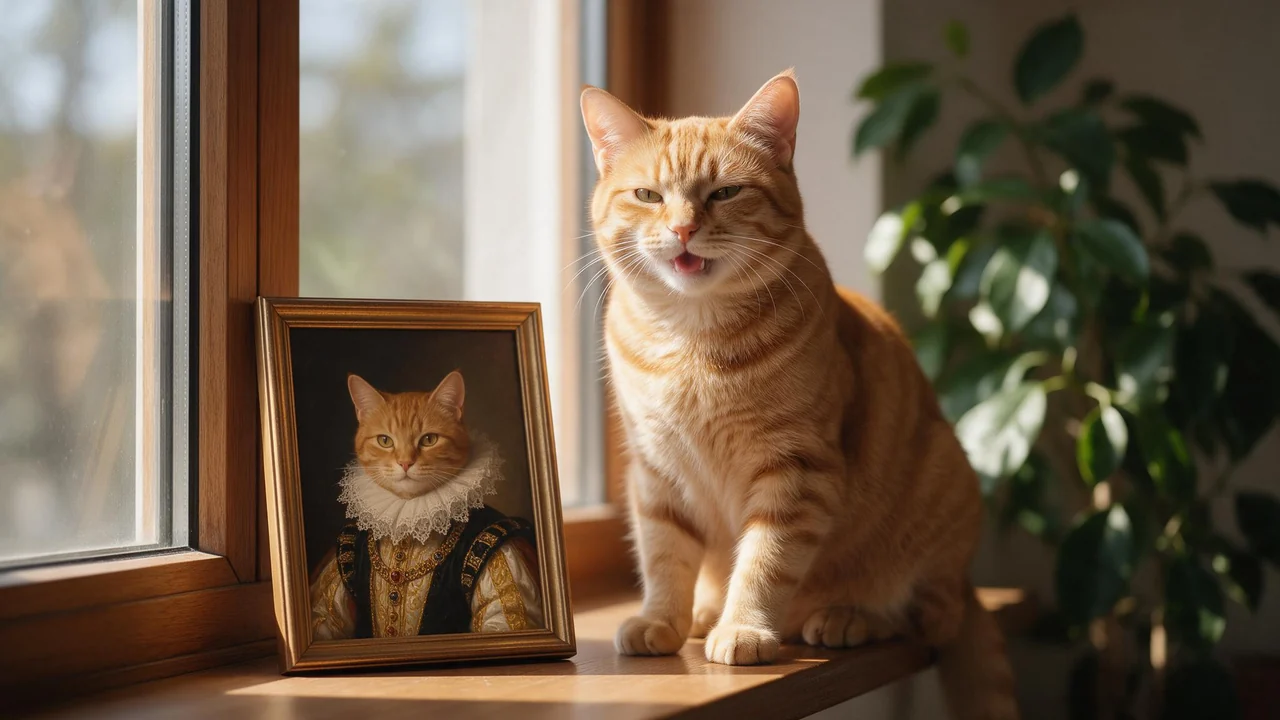
Your Pet as a Painting, a Knight or an Anime Hero: AI Pet Portraits From Your Own Photos
A ginger cat as a Tudor queen, a beagle in a space suit, a rabbit in a storybook. A small recipe for pet portraits that still look like your pet, and the honest list of what drifts.
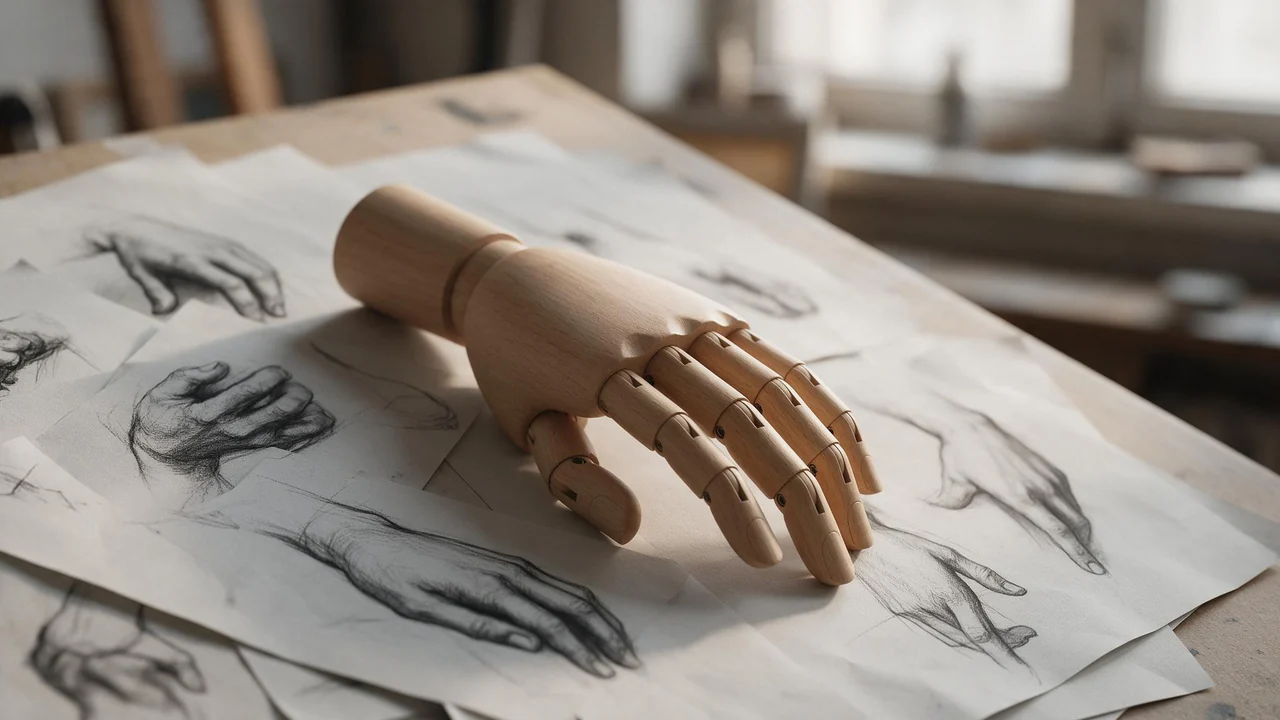
Hands in Adult AI Character Art: Gestures That Render and the Ones That Break
Extra fingers, fused fingers, a hand melting into a glass. Five symptoms every character artist has seen, why each one happens, and the sentence that usually fixes it.
Five AI Image Prompts You Can Paste, and Why Each One Works
Most prompt guides teach in fragments. This one hands you five whole prompts you can paste as they are, then explains the order the parts go in.