

Why Your NSFW AI Image Looks Wrong, and How to Fix It
By The Fellowi Team · · 9 min read
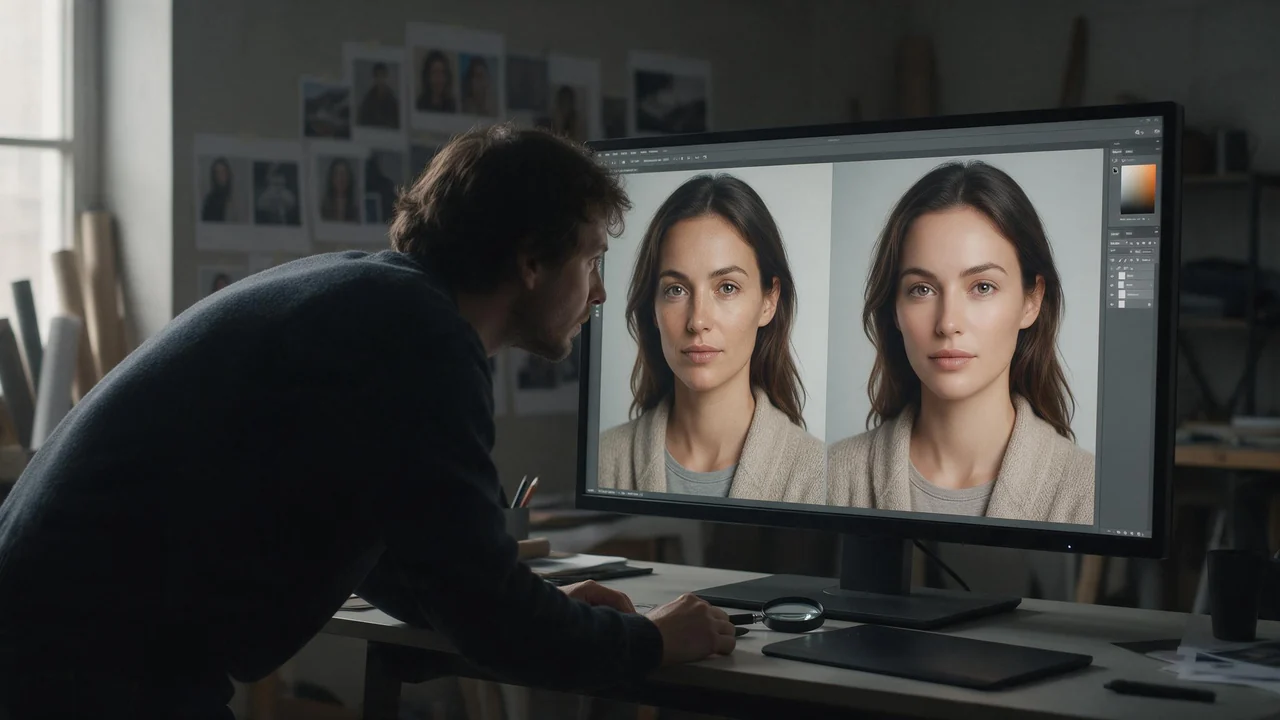
This page is for after you press the button. The prompt is written, the coins are spent, and what came back is wrong in a way you can see but cannot quite name: the skin looks like a shop mannequin, a hand has an extra knuckle, the woman from the last picture is suddenly someone else. Help with writing the prompt in the first place is a separate article, how to write character prompts that actually render. This one starts from the picture and works backwards.
Each section is one symptom, its most likely cause and the fix we would try first. Most bad renders have one cause, not five, so find the symptom that matches and skip the rest.
Skin that looks like plastic or wax
Symptom. The skin is smooth, shiny and poreless, like a polished doll or a heavily retouched advert, and the whole body has the same even sheen.
Likely cause. The prompt asked for it without meaning to. Words like flawless, perfect skin, smooth and masterpiece pull toward the retouched end of everything the model has seen, and soft frontal light removes the shadows that make skin read as skin. If enhance prompt was on, the version the picture was made from may carry polish you never wrote.
Fix.Delete every compliment and describe texture instead: visible pores, a few freckles across the shoulders, fine hair on a forearm, a crease where the arm bends. Give the light a direction, a single window to one side or a lamp low in the room, so there is shadow to shape the body. A context like “candid phone photo” or “35mm film, slight grain” pulls toward real photographs rather than adverts. Higher quality adds detail, but it adds it to whatever surface it was given; when it is worth paying for is covered in Standard or High quality.
Hands, limbs and anatomy that do not add up
Symptom. Six fingers, a wrist that bends the wrong way, a leg that belongs to nobody, two bodies that merge where they touch.
Likely cause. Hands are small, endlessly variable and often half hidden, so models still get them wrong more than anything else. Every point of contact between two people multiplies the problem: laced fingers, an arm around a waist, legs over legs. The more limbs touch in one frame, the more chances one of them goes astray.
Fix.Give each hand one job you can name: holding a glass, resting flat on the sheet, pushing hair back. Cut the contact points, especially with two people, and pull the camera back a little. Do not write “perfect hands” or “five fingers”; as with any negative, naming the problem puts it in the frame. And reroll once before rewriting anything. Generation is random, and a hand that broke on one render is often fine on the next.
The crop cuts off the wrong thing
Symptom. Feet cut off at the ankle, the head clipped at the top, a figure lying down squeezed into a tall frame with empty floor above and below.
Likely cause. The shape did not match the pose. A square frame cannot hold a full standing figure without shrinking it, and a tall one wastes space around someone lying down. On auto the model picks the shape for you, and when you attach reference photos it frames the result after the first one, so a close headshot in first place pulls the new picture toward a close-up. One model in the picker has no shape choice at all.
Fix. Pick the shape before you write the prompt: tall for a full-length standing pose, wide for lying down or for two people side by side, square for a portrait from the chest up. Then say the framing in words too: full-length, from the knees up, head and shoulders. With references, put the one whose framing you want first. If you need a particular shape, choose a model that offers the picker. More in pick the shape first.
The face changes from one picture to the next
Symptom. Same prompt, same description, and every image is a slightly different woman: the jaw changes, the eyes sit further apart, the age drifts by a few years.
Likely cause.Text cannot carry a face. “Green eyes, freckles, dark wavy hair” fits millions of people, and each render picks a new one. More description narrows the crowd but never gets it down to one person.
Fix. Use a reference image, either a photo you upload or a picture of one of our curated legal-age companions, and keep the same one first for the whole set. Then write the prompt about everything else: the room, the light, the pose, the clothes. For video, start the clip from a still you already like rather than from text alone, so the face is settled before anything moves. Each reference adds a little to the price (the rates are on the product page), and the model without a shape picker does not take references. The longer version is keeping a character consistent.
It came back tamer than you asked
Symptom. You asked for a nude scene and got lingerie. You asked for a bed and got a sofa with everyone sitting upright. The picture is fine, just more clothed and more polite than your words.
Likely cause.Two different things, and it helps to know which. The first is the model itself: image models are trained away from some requests, and instead of refusing they quietly drift toward something blander. The second is our own retry. When a first attempt fails, we try once more before refunding, and that second attempt sends your prompt with a short list of blunt explicit labels removed, words like “explicit” or “naked”. If your picture arrived after that retry, it was made from milder wording than you typed. Our terms say so too; the retry exists so that a stumble on one borderline word does not end in nothing at all.
Fix.Describe the picture instead of labelling it. “Explicit” and labels like it are judgements about an image, not an image: the model draws nothing from them, and they are the first words the retry takes out. A plain description of what is visible, where the person is and what the light does leaves the retry little to strip and gives the model something to draw. Enhance prompt changes none of this; it adds detail, not permission. For video, a clip refused on content grounds is not retried with softer words at all: it fails and the coins come back.
Too many details fighting each other
Symptom. The picture is busy and mushy at once. The outfit is half of two outfits, the light comes from three directions, the style sits somewhere between anime and photograph.
Likely cause. A prompt that grew by addition. Every new clause is one more constraint the model tries to satisfy, and when two of them conflict it averages them. Forty adjectives do not buy forty details; they buy a compromise between all of them.
Fix. Cut down to one subject, one place, one light and one style, then read what is left out loud. Two outfits or two moods are two pictures. When a prompt keeps getting longer and the result keeps getting worse, the fix is usually to delete half of it; one image, twelve attempts shows that moment in detail, including the attempts that were pure waste.
Video that morphs or melts mid-motion
Symptom. The first second is fine, then a hand dissolves into the sheet, a face slides into another face, fabric flows through skin, or a body bends in a way no body bends.
Likely cause. More motion than the clip can hold. Several actions in one clip, a camera that moves while the subject moves too, or a prompt that describes a scene instead of a movement all leave the model inventing frames between states it cannot reconcile. A start image with a slightly broken hand passes that hand on, and motion makes it worse. A shape that differs from the start image forces a re-frame on top of everything else.
Fix.Start from a still you have already checked, with clean hands and a clear pose. Ask for one motion per clip, small and slow: she turns her head toward the window, the sheet slides off a shoulder. Let either the camera or the subject move, not both. Leave the shape on auto so the clip keeps the start image’s framing, and if you know where the motion should end, add an end frame so the model is not guessing. Test with a short clip at a lower resolution before paying for a long one, since the price follows length and resolution. When you are ready, open the video studio.
The generic “AI look”
Symptom. Technically fine and instantly recognisable as generated: centred, symmetrical, glossy, golden light, a face that is beautiful the way stock photos are beautiful.
Likely cause. Every decision you did not make was made by the average. An unspecified time of day becomes golden hour, unspecified framing becomes centred and frontal, unspecified skin becomes retouched.
Fix. Make the decisions yourself. Pick a real, unflattering time, overcast noon or a room lit by one bedside lamp. Put the subject off centre. Add one ordinary object that belongs in a lived-in room: a charger cable, a rumpled duvet, a mug on the floor. Small imperfections are the cheapest realism there is. If you are stuck, one render of a one-line idea with enhance prompt on shows which details a fuller description adds; keep the ones you like, write them in your own words and switch it off again, as described in when to let the AI rewrite your prompt.
A retry strategy that does not burn coins
- Reroll once before editing. Randomness alone changes hands, faces and crops. If the second render is fine, so was the prompt.
- Change one thing at a time. The shape, or the light, or one clause, never three. If you change three and it gets better, you have learned nothing you can reuse.
- Switch enhance prompt off while tuning. A rewrite you cannot read is a second variable you cannot control.
- Save what worked. A lighting clause or a framing phrase you will want again belongs in a plain prompt library, not in a history you will have to scroll through.
- Stop after a few misses on the same symptom. Go back up this page. The cause is usually the shape, the reference or the length of the prompt, not the one word you keep swapping.
What a failed render costs
Nothing. If an image or a clip fails, whether it was refused, a reference photo had already expired or the model was overloaded, the coins go back to your wallet in full, automatically, with nothing to request. A render that simply runs long is not thrown away: we keep waiting for it, and refund if it never arrives. The softened retry is covered too. If the second attempt fails as well, you pay nothing.
The honest other side: a render that finishes is charged, whether you like it or not. A waxy face or a sixth finger is a completed picture, not a failure. That is why the diagnosis above matters. The refund protects you against errors, not against a prompt that needed one more edit. Current prices are on the product page.
What no fix will cure
Some things still fail, whatever you do. Hands in tangled two-person poses go wrong more often than they should. A likeness drifts when the pose or angle is far from the reference. Long clips with complicated motion between two people still break. And some requests the model resists however they are worded; when three genuinely different approaches all come back tame, the limit is in the model, not in your prompt, and more rewording only buys more near misses.
Two things are not a matter of prompting at all. Anything sexual involving minors and anything depicting non-consent are refused on Fellowi permanently. No wording, no retry and no plan changes that.
For everything else: find the symptom you are looking at, change the one thing its fix names, and render again in the image studio.
Questions this post answers
Why does my AI character image come back less explicit than I asked?
Often the model itself drifts toward something blander without saying so. On Fellowi a failed first attempt is retried once with a few blunt explicit labels removed, so a picture that arrives after that retry was made from milder wording than you typed.
Do I pay for a failed AI character generation?
No. When an image or a clip fails, the coins return to your wallet in full and automatically; only a render that actually finishes is charged, whether you like it or not.
How do I stop the face changing between AI images?
Use a reference image instead of a longer description, because text cannot hold one face steady across renders. Keep the same reference first in the list for the whole set, since with the automatic shape the framing follows that first picture too.
Keep reading

NSFW AI Generation Glossary: Every Term Before Your First Picture
You can start without reading a manual. These are the words on the controls around the prompt field, each explained in a breath, with the article that goes into detail.
NSFW AI Scenes and Settings: Dress the Room Before You Light It
Before the light, the outfit or the pose, there is a room. A set designer's walk through four dressed rooms, the props that earn their place, and the sentence that keeps a setting from drifting.

NSFW AI Art Styles: A Guided Tour from Photoreal to Pin-Up
Five looks for adult AI images, the vocabulary that moves a model toward each, one suggestive example prompt apiece, and how to keep a whole set in one style.