AI Storyboards for a Short Film: From Script Page to Moving Frames
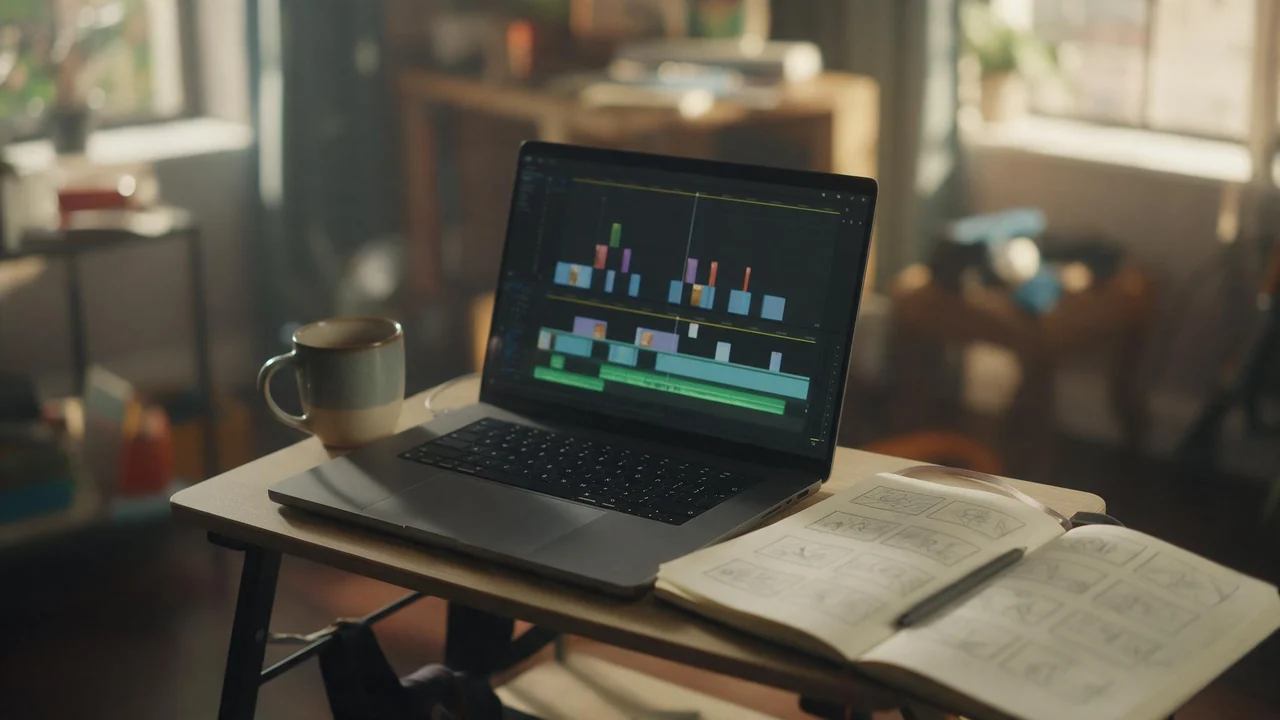
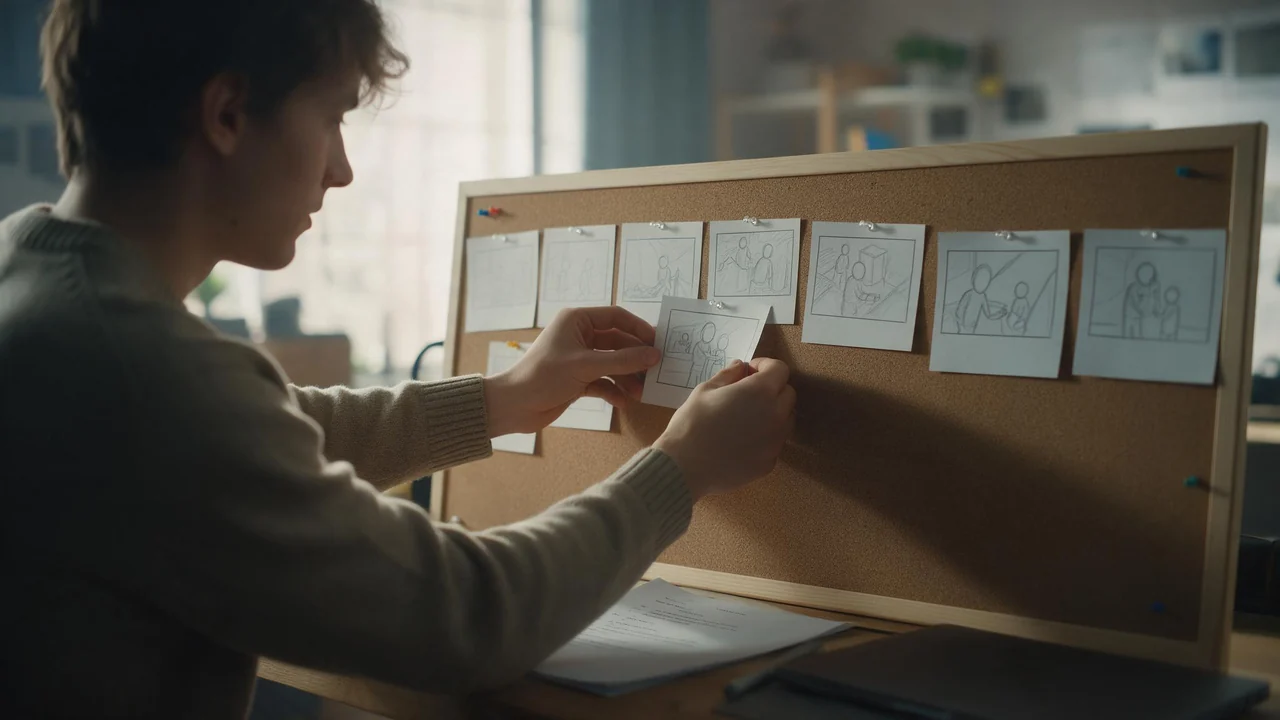
A script page, a shot list and a stack of frames before anyone books a camera. The pre-production routine, and why the board is a plan, not the film.
Every Fellowi article tagged Fellowi Video, newest first: guides, character deep-dives and practical tips. Each card opens the full article. Free to read.

A script page, a shot list and a stack of frames before anyone books a camera. The pre-production routine, and why the board is a plan, not the film.

A ginger cat as a Tudor queen, a beagle in a space suit, a rabbit in a storybook. A small recipe for pet portraits that still look like your pet, and the honest list of what drifts.

You can start without reading a manual. These are the words on the controls around the prompt field, each explained in a breath, with the article that goes into detail.

Start from the picture, not the prompt. Eight symptoms of a bad adult render, the usual cause behind each, and the one change worth trying first.

Adult fiction made for yourself is legal in many places, though not all. Minors, non-consent and real people without their consent are another matter almost everywhere.

A clip is a moment, not a scene. Weak adult video prompts rewritten, why each rewrite works, and what video still cannot do well.

Three questions decide it: how many clips you make a month, whether that number holds, and what you need the clips to be allowed to show. Both price lists, read the same day, answer all three.

The picture you keep is rarely the expensive part. The six before it are. Here is the order to turn the paid switches on, and the ones you can leave off entirely.

Spend the plan and Runway wins per clip. Make video in bursts and the credits that reset unused are the real price. Both lists, read the same day.

On a plan you use in full, Pika is cheaper per clip. Coins cost more per clip and never reset. Both price lists, read on the same day and set side by side.

One product photo, a phone-shaped frame and no monthly fee. What AI video genuinely makes easy for a small shop's feed, and the jobs we would still give to a person.

One key, images and clips, a model of your choosing, and the same wallet as the studio. How to go from an empty API Console to a working integration in an afternoon.

Everyone says fast. Almost nobody says how many seconds. Here are ours, taken from the same rows that bill you.

The studio looks like one button. Here is every step behind it, including the part where a failed job gives your coins back.

Text in, video out, no source picture. The rules stated out loud, and nothing charged for a render that fails.

Realism costs seconds and coins. What it buys, when it is worth it, and when the fast model wins.

Start from a picture instead of a sentence. Why the likeness survives, where the limits are, and nothing charged for a render that fails.

A second subscription, separate from your chat plan: coins for Images and Video land in your wallet every month, automatically.

Most first attempts fail for the same three reasons, and none of them is the model being prudish. Here is the order to do things in, with the cost of each step.

AI video pricing is quoted in credits precisely because it is hard to compare. This is the whole table in euros, including the combinations that cost sixty times more than you expect.

There is no watermark anywhere in the pipeline, and no paid tier that removes one. Here is the rest of the arithmetic: 500 coins for a 4-second clip, 30 days of storage, three fixed limits.

It took about forty minutes and 3,150 coins, and most of the forty minutes was me looking at a progress bar deciding whether to change something.

A pricing page tells you what one image costs. It does not tell you that you will make eleven of them before you keep one.

The usual workflow has a second half: export the clip, go find music, go find effects, sync them, export again. That half is gone.

Both paths exist and they are not interchangeable. The rule is simple: if a specific face has to survive the clip, start from an image.

Most of the settings do less than you think and two of them do far more. Here is the honest ranking, with what each costs.

The settings that matter for vertical, why the first second decides everything, and the part nobody tells you: adult output is for you, not for your feed.

Everything we had written about our video generator was a year out of date. This is the honest, current list, with real per-second prices.

A written description is not an identity. A reference image is. What that changes about how you write the rest of the prompt.

The picture decides who is in the shot. The prompt only decides how they move. Get that order right and adult clips stop being a lottery.

Stills, clips and the conversation around them are three different machines. Knowing which one you want saves coins and disappointment.

Uncensored video for adults, two hard limits, refunds on failed renders, and nobody reviewing your clips.

One studio, two tabs. Generate the still, make it the start frame, describe the motion, and watch it move.

The image does the what, the prompt does the how. Before-and-after prompts, and the three mistakes that ruin a 4-second clip.

Image-to-video is here: a start image, a prompt, and a few minutes later a 4-second 720p clip with sound.