

NSFW AI Generation Glossary: Every Term Before Your First Picture
By The Fellowi Team · · 6 min read

You can make your first picture in the studio without reading anything: type what you want, press Generate, wait. The controls around the prompt field have names, though, and a newcomer meets most of them in the first ten minutes. This page explains each one in two or three plain sentences and points to the article that goes deeper. The words are the same in the Photo and Video tabs, and everything here applies to pictures and clips of legal-age characters alike.
Prompt
The prompt is the text you type into the field: what is in the frame, how it is lit, in what style. The model reads it literally and draws the average of what those words usually mean, so concrete nouns and one clear light source do more than a list of adjectives. How to write a good one is in how to write AI image prompts, and the video version in how to write AI video prompts.
Prompt enhancer
A checkbox labelled Enhance prompt quality. When it is on, a separate model rewrites your prompt into a longer, more detailed one before the picture is drawn, and a Style field steers that rewrite. It adds a small surcharge, listed on the product page, and the budget model does not offer it. Whether you should let it: should you let AI rewrite your prompt.
Aspect ratio
The shape of the frame: square, portrait, landscape and the formats between. Pick it for where the picture will live, because cropping afterwards costs you the edges. With reference images attached, the Auto setting follows the first reference, which is what keeps a face framed the way it was; the budget model has no aspect-ratio choice at all. The platform-by-platform table is in aspect ratios for every platform.
Reference image
A photo you attach alongside the prompt: your own upload or a picture of one of our companions. The model then edits from it instead of imagining from scratch, so the face, outfit or room carries over, and each reference adds a surcharge shown before you generate. The full and mini models take references; the budget model does not. The guide is editing with your own photo, and holding one character across a whole set is a consistent AI character.
Text-to-video and image-to-video
Text-to-video makes a clip from words alone. Image-to-video starts from a still, called the start frame, and animates it; the start frame itself is free, because the model cannot run without one. If you already have a picture you like, image-to-video keeps it; if you have only an idea, text-to-video. The comparison in full: text-to-video vs image-to-video.
End frame
An optional second still for an image-to-video clip. The model renders the motion between the start frame and the end frame, which is the most reliable way to decide where a clip finishes. Unlike the start frame it is billed at the reference rate, and a text-to-video model does not accept one.
Sound on video
A checkbox labelled Generate sound. It asks the model to produce a soundtrack with the clip, ambient noise, music, sometimes a voice, and costs one surcharge per clip whatever its length. It starts unticked, and on a model with no sound option nothing is charged. What the soundtrack is good for: AI video with sound.
Coins
The balance that pays for every generation in both tabs. The exact cost of your current selection is shown before you press Generate, and coins you buy do not expire. A new account receives a small starting balance to try a picture with. Current prices live on the product page; the long version is Fellowi Coins, explained.
Coin packages and generation plans
A coin package is a one-off purchase: pay once and the coins land in your wallet. A generation plan is a monthly subscription that delivers coins automatically, separate from any chat plan you may have. Both are spent the same way. Choosing between the packages: which coin package is the best value; the plans: generation plans explained.
Refund on a failed generation
When a generation fails on our side after you paid, the coins come back to your balance automatically; you never pay for a picture or clip you did not receive. A prompt refused before it starts is not charged at all. The one thing you do pay for is a generation that worked but is not what you hoped for. The three cases side by side: what a failed generation costs you.
Retention
Finished pictures and clips stay in your history for a fixed number of days, stated at the bottom of the history list, and are deleted afterwards. Download anything you want to keep; the file on your device is yours regardless of the window. What is stored and for how long: privacy in AI generation.
The public API
The same generators, called from your own code with a key instead of a browser. Prices, wallet and refund rules are identical to the studio, and the key is created on the API Console page of your account. The walkthrough is the Fellowi API for images and video.
What the studio does not promise
Three things no term above changes. A generated picture may not qualify for copyright protection where you live, and we cannot promise that it does; who owns AI-generated images explains why. A prompt is not exclusive: another person can type the same words and receive something close. And generations fail sometimes, on our side or the provider’s; when they do, the coins return, and that is the whole remedy. Everyone depicted is an adult, and anything sexual involving a minor or without consent is refused on every plan, in both tabs.
With that, the manual is over. Open the image studio or the video studio, and the words will be where you expect them.
Questions this post answers
Do I need to understand every setting before generating my first AI image?
No. Every control has a default that works, so a prompt alone produces a picture. The words matter later, when you want to change one thing on purpose instead of guessing.
What is the difference between a reference image and a start frame?
A reference image guides a still picture: the model edits from your photo so a face or outfit carries over. A start frame is the first frame of a video clip, which image-to-video animates. The start frame is free; references and the optional end frame carry a surcharge.
Do I get my coins back if a generation fails?
Yes, automatically. A generation that fails on our side after you paid refunds in full to your balance, and a prompt refused before it starts is never charged. You pay only for a picture or clip that was delivered.
Keep reading
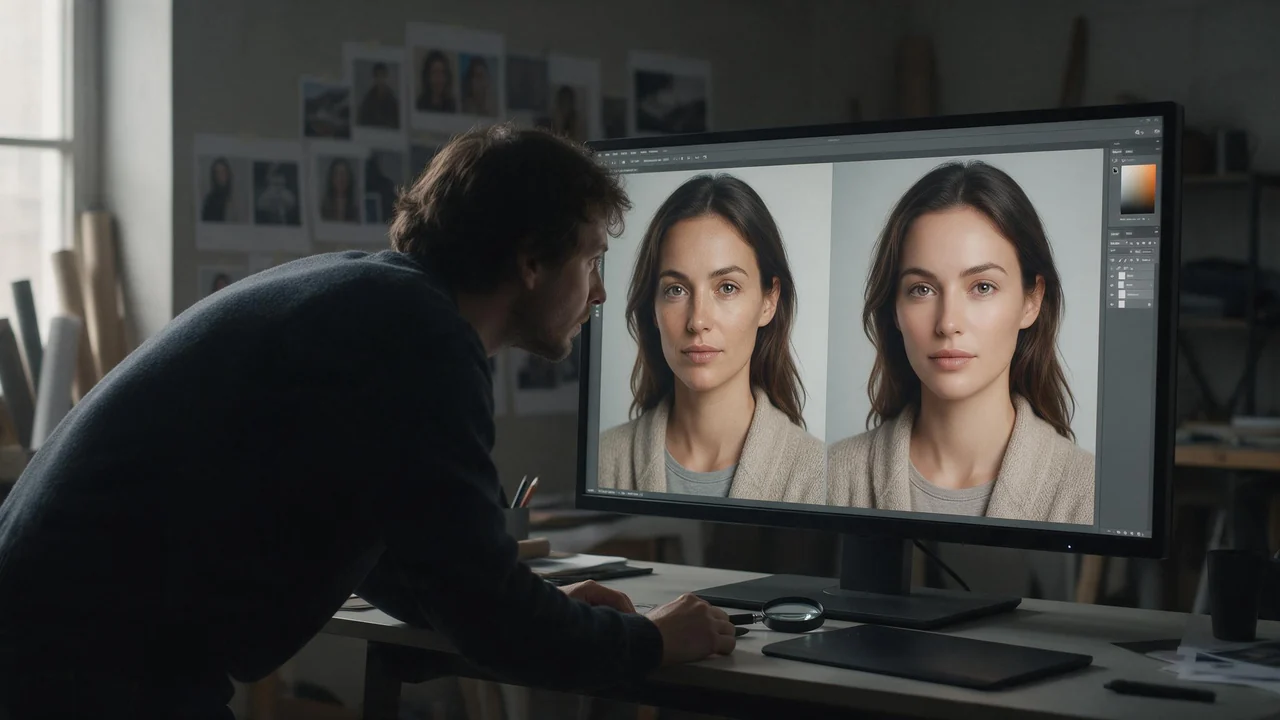
Why Your NSFW AI Image Looks Wrong, and How to Fix It
Start from the picture, not the prompt. Eight symptoms of a bad adult render, the usual cause behind each, and the one change worth trying first.
NSFW AI Video Generator: Turning an 18+ Still Into a Moving Clip
The picture decides who is in the shot. The prompt only decides how they move. Get that order right and adult clips stop being a lottery.
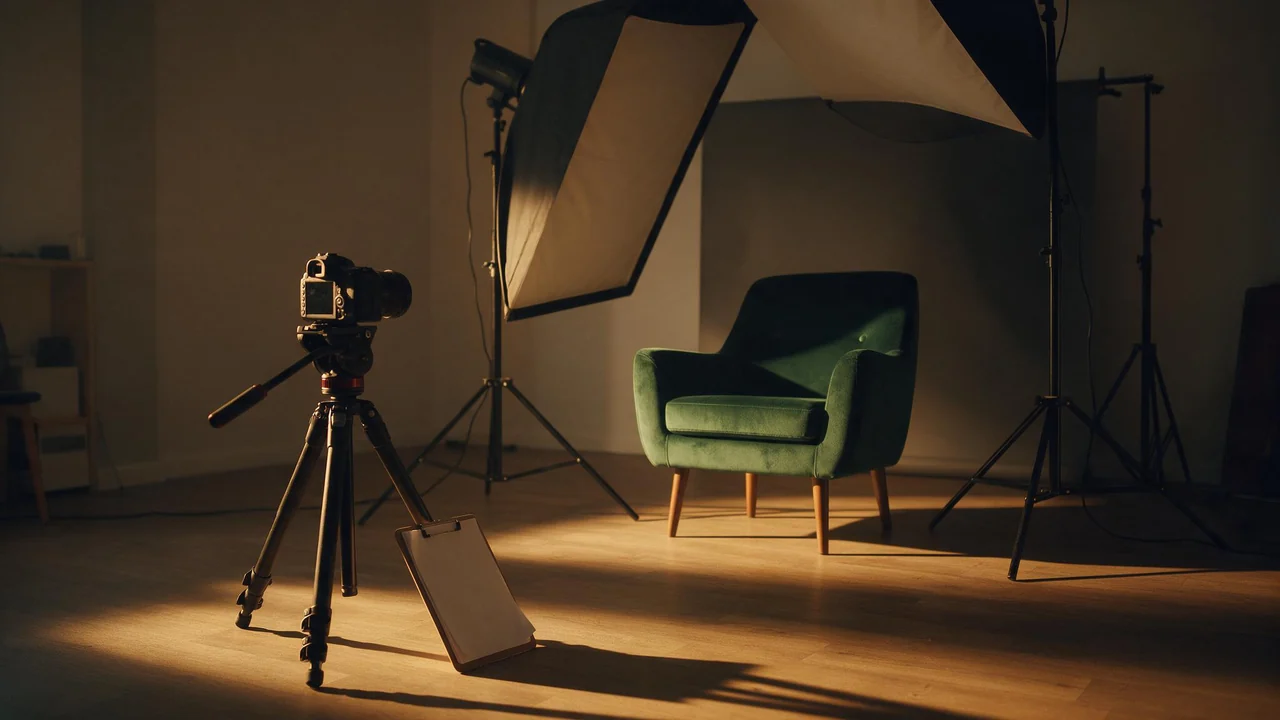
NSFW AI Poses and Camera Angles: Where the Camera Stands Changes the Picture
Light and fabric are only half of a picture. Where the camera stands decides the rest: height, distance, lens, pose and gaze, as a photographer's shot list you can paste into a prompt.