

AI Book Covers for Self-Published Authors: What to Generate and What to Leave to a Designer
By The Fellowi Team · · 6 min read
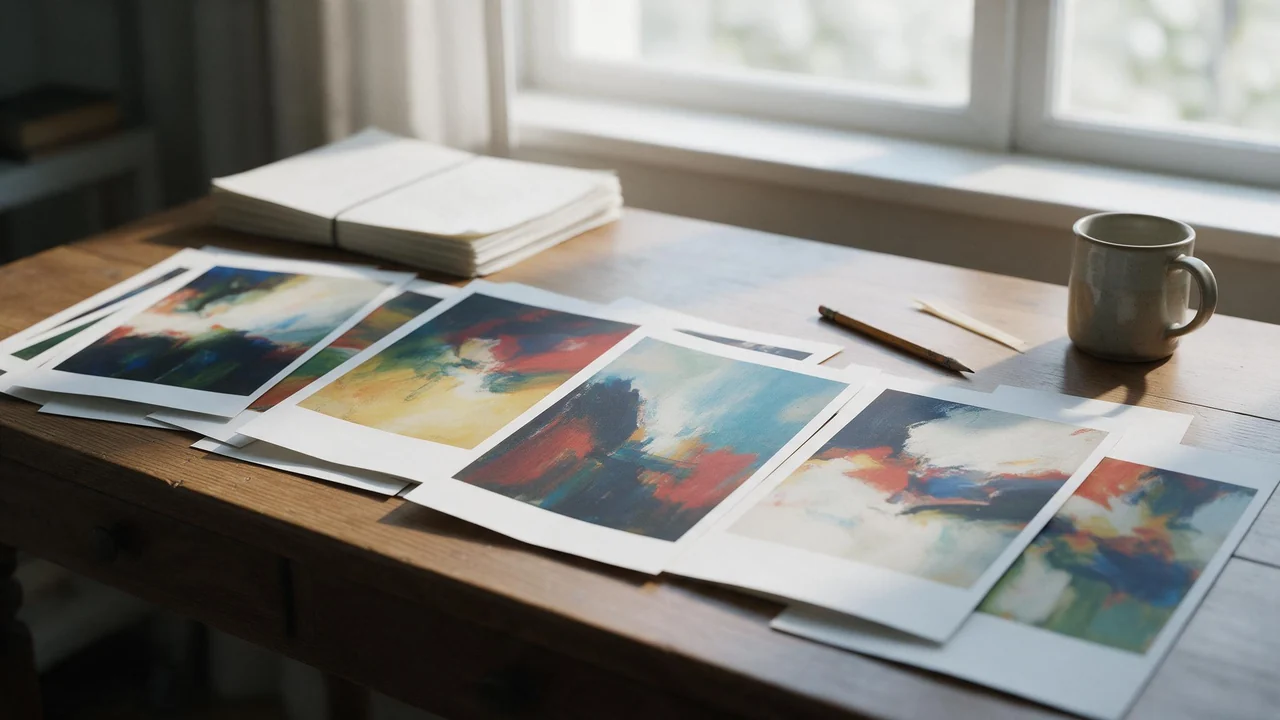
The short answer for an indie author: let the generator paint, and keep the lettering for yourself. A cover does two jobs. It shows a mood and a world, which generated art can do well and quickly. It also tells a browsing reader the genre in half a second through the type, the layout and conventions readers of that genre know by heart, and that part is still a craft. Split the work that way and the result looks like a book, not like a screenshot.
What generated art is good at
- Atmosphere. A storm over a harbour town, a lit window in a forest, a city at dusk seen from a rooftop. Places and light are where it shines.
- Many options, cheaply. Twenty directions in an afternoon, instead of one sketch a week. Draft at a cheaper setting first, as drafting before you spend explains, and render the winner properly.
- A cover-shaped frame. Pick the 2:3 or 3:4 ratio and the composition is built for a portrait cover, not cropped from a landscape. The aspect ratio guide lists every ratio the studio offers.
What it is bad at
Lettering, first of all. Letters swap places, words get invented and the font is whatever the model felt like. Small objects that the plot depends on (the exact sword, the right insignia) drift between takes. And it does not know your genre's shelf: a thriller and a cosy mystery can share a picture and still need completely different covers.
A workflow in five steps
- Collect the shelf. Look at the top sellers in your exact subgenre and write down what they share: palette, a figure or a place, how much of the cover the title takes.
- Prompt the scene, not the cover. Describe the picture and ask for calm, empty space at the top or bottom for the title. Never ask for text. The prompt guide has the structure.
- Draft wide, then narrow. Many cheap drafts, three finalists, one render at full quality.
- Set the type yourself, in any layout tool, at the size your store shows thumbnails. If the title is unreadable as a thumbnail, the cover does not work.
- Check the print spec. Trim size, bleed and resolution come from your printer. Compare them with the output listed on the product page before you order a proof.
Keeping a series together
Book two should look like a sibling of book one. Save the first cover's art and attach it as a reference image when you generate the next one; the palette, the style and a recurring character travel with it. The reference guide shows how. Keep the type identical across the series, which is the easiest consistency you will ever get.
Rights, in plain words
You may sell the book, print the art on merchandise and use it in ads. We take no share and want no credit, as the commercial use post explains. You get no exclusivity, and nobody can promise you copyright in machine-made art; read who owns AI imagesbefore you build a brand on one picture. If the cover is based on a real person's photo, you need their permission. Some stores ask whether a cover was made with AI; answer truthfully. And download your finals: generated files are deleted after a retention period.
What this cannot do for you
It cannot set a title, design a spine or lay out a back cover with a blurb and a barcode. It cannot promise a print-ready file for every trim size, and it cannot reproduce a real model's face or a licensed symbol faithfully. It also cannot tell you what sells in your genre; the shelf can. If your budget allows a cover designer, generated art can still save them time as a mood board. If it does not, the art plus careful type is a respectable cover. Start in Fellowi Images.
Questions this post answers
Can I sell a book whose cover art I generated here?
Yes. Our terms place no restriction on commercial use, take no share and require no credit. They also give no exclusivity and no copyright guarantee, so another author could get similar art from a similar prompt.
Can the AI put my title and name on the cover?
Not reliably. Letters inside a generated image often come out misspelled or warped, so generate the art with empty space for the type and set the title in a layout tool, where you control the font and the spelling.
Is a generated image big enough for a printed cover?
It depends on your trim size and your printer's requirements, so compare the output resolution listed on our product page with the printer's spec before you commit. An ebook cover is usually the easier case.
Keep reading
What a Team Actually Spends on AI Images: Reading the Bulk Coin Packages
A coin price is not a budget. The unit a team should plan in is the finished asset, and the packages built for teams only pay off once you know your own keeper rate. A method in four steps.
A Face for a Brand That Cannot Afford a Model: AI Avatars for Small Shops
A candle shop, a bakery, a one-person studio: a recurring face makes a small brand's feed feel like somebody runs it. Where an AI presenter helps, where she backfires, and how to keep her the same.
NSFW AI Outfits and Fabrics: A Small Dictionary for Better Prompts
Fabric words do a lot of quiet work in an intimate AI picture. A six-entry dictionary with the phrase, the look and the usual failure, plus how to write one outfit sentence.