

Draft Cheap, Finish Once: Spending Fewer Coins on AI Images and Video
By The Fellowi Team · · 6 min read
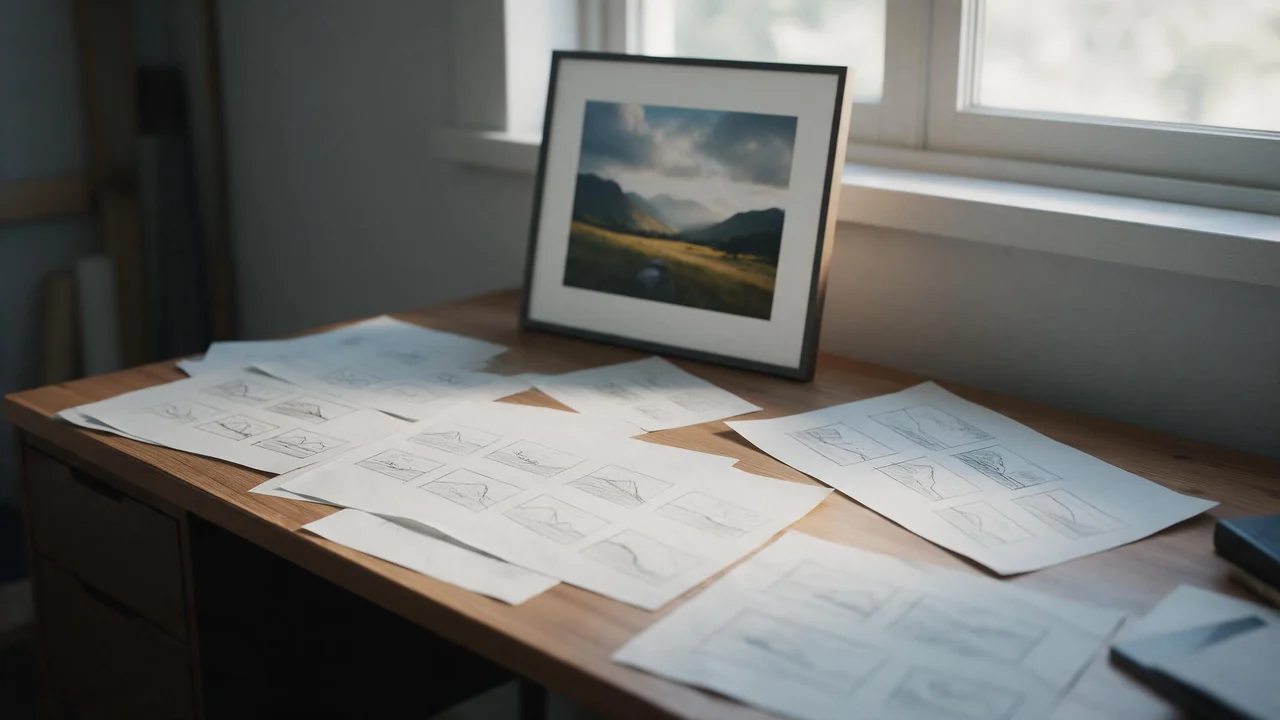
Look back over a week of generating and count what you kept. For most people it is one picture in five, or one in eight. The keeper is not where the coins went; the attempts before it were. So the cheapest thing you can change is not the package you buy but the order you do things in: draft on the cheap settings, find the idea, and pay for the expensive switches once, on the attempt that deserves them.
Everything below uses the prices the studio actually charges, read from the same code that bills you. The full list lives on the product page; the numbers here only show the proportions.
What each switch costs
- Quality. Standard is 40 coins a picture, High is 60. That difference, 20 coins, is paid on every attempt you run on High, including the ones you throw away.
- Enhance prompt. 10 coins on top, for a rewrite of your prompt before the image model sees it (should you let AI rewrite your prompt).
- Reference images. 10 coins each. Worth it when a face or an object has to stay the same; wasted on a picture that does not need one.
- Video length and resolution. A clip is priced by model, resolution and seconds. The shortest clip on the fast model is 500 coins at 720p and 600 at 1080p.
- Sound. 10 coins once per clip, and the box starts unticked.
- The start frame is free. Animating a picture you already made adds nothing to the price of the clip. Only an optional end frame is charged, at the reference rate.
One thing costs nothing at all: a generation that fails on our side. Its coins come back on their own (what a failed generation costs you), so a draft that errors out is not a draft you paid for.
Pictures: the draft-first order
- Write the prompt and run it on Standard, with every extra off. For the price of one High render you get 1 Standard ones, and at this stage you need attempts, not polish.
- Change one thing at a time. Subject, then setting, then light. If you change three words and the picture improves, you do not know which one did it, and the next attempt is a guess.
- Turn on Enhance only when you are stuck. It is a fair price for a better-specified prompt; it is a poor price for a prompt that already works.
- Add references last, and only when likeness matters. A character who must look the same across a series needs them (editing with your own photo); a landscape does not.
- Decide whether the keeper needs High. For a phone screen, a chat or a feed, Standard usually holds up (Standard or High, and which format). Pay for High when the picture will be printed, cropped hard or shown large.
Save the prompt that worked. The second time you need that look, the draft stage is already paid for (keeping a prompt library).
Video: prove the motion, then pay for it
- Start from a picture you already have. You paid for its look once; the start frame carries it into the clip for free, and the model spends its effort on motion instead of inventing the scene (animating your photos).
- Draft at the shortest length on the fast model at 720p. That is the cheapest clip the studio makes, and it answers the only question a draft has to answer: does the thing move the way you meant?
- Add sound last. A soundtrack on a clip whose motion is wrong is 10 coins spent on a file you will not use.
- Only then go longer or sharper, and add an end frame only if the clip has to land on a particular shot.
What this habit cannot do
It does not make the final render a copy of the draft. There is no upscaler in the studio and no way to pin a result: running the same prompt on High, or the same frame at 1080p, produces a new picture or a new clip that shares the idea, not the pixels. Most of the time that is fine, and sometimes the High version is simply better. But if a draft came out exactly right, keep it as it is rather than paying to roll the dice again.
And cheap settings are not free ones. Drafting on Standard lowers the price of each attempt; it does nothing about the number of attempts. A clear prompt written once (how to write image prompts) saves more than any setting.
The short version
Cheap settings for finding the idea, expensive ones for the attempt you mean to keep, and every extra switched on for a reason. Open the image studio or the video studio: both show the exact price of the next attempt before you press the button, so the habit is easy to check as you go.
Questions this post answers
Should I generate everything on High quality?
No. Draft on Standard until the composition and the prompt are right, then decide whether the keeper needs High at all. On a phone screen or in a feed, Standard is often enough.
Does re-running a prompt on High upscale my draft?
No. High renders the prompt again, so the result is a new picture that will differ from the draft. Treat the draft as a proof of the idea, not as the file you will get.
What is the cheapest way to try an idea as video?
Start from a picture you already have, keep the clip at the shortest length on the fast model and the base resolution, and leave sound off until the motion is right. The start frame itself costs nothing extra.
Keep reading
Same Face Every Time: Keeping an 18+ AI Character Consistent
A written description is not an identity. A reference image is. What that changes about how you write the rest of the prompt.
How Long Does a Generation Actually Take? We Measured a Month of Ours
Everyone says fast. Almost nobody says how many seconds. Here are ours, taken from the same rows that bill you.

NSFW AI Generation Glossary: Every Term Before Your First Picture
You can start without reading a manual. These are the words on the controls around the prompt field, each explained in a breath, with the article that goes into detail.