

Is There a Fellowi App? Home Screen, Notifications and What to Install
By The Fellowi Team · · 5 min read

Short answer: no. There is no Fellowi app in the App Store or on Google Play, and there is nothing to download. Fellowi is a website, and the browser you are reading this in is the whole installation. If you find an app that uses our name in a store, it is not ours.
That is deliberate, and it has a side effect people come to like: nothing shows up in an app-store purchase history, and nothing sits on your phone that you did not put there yourself.
The longer answer is that you can get most of what an app gives you anyway. Here is how, one question at a time.
“Can I make it feel like an app?”
Yes: add it to your home screen. Fellowi declares itself as a standalone web app, so when you open it from the home-screen icon it starts in its own window, without the address bar and tabs around it.
- iPhone and iPad (Safari):open fellowi.com, tap Share, then “Add to Home Screen”.
- Android (Chrome):open the browser menu (the three dots) and choose “Add to Home screen” or “Install app”, depending on the version.
- Desktop (Chrome or Edge):look for the install icon at the right of the address bar, or find “Install” in the browser menu.
You stay signed in the same way you do in the browser. Everything else, your chats, your companions, your pictures in Fellowi Images, is the same account in the same place.
“Will I know when she writes to me?”
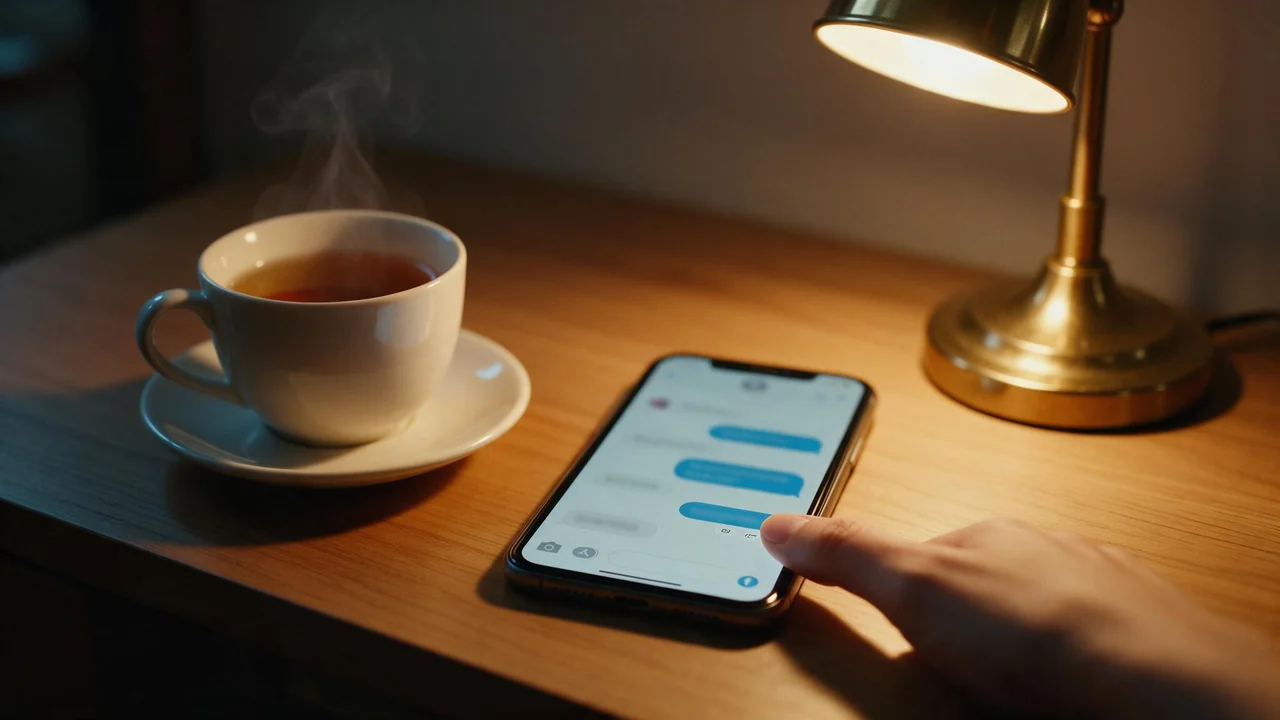
You can, through browser notifications. A companion sometimes writes first after you have been away for a while (how and why is in when your companion messages first), and that message reaches you by email already. Turn on notifications and the same moment also lands on this device, even with the tab closed.
The switch lives in Settings, Notifications. You will also see the offer in a small card in the sidebar, in the notification bell, and as a line in a chat once a conversation is under way. Saying “Not now” to the sidebar card or the chat line silences both of them for good; the bell and Settings keep the switch. We never ask on page load: the browser's permission prompt only appears after you click the button, because a prompt nobody asked for is the one people block.
Besides a companion writing to you, a notification is sent when:
- coins arrive in your wallet, or a failed generation hands them back;
- a moderation decision is made about something you published;
- something happens on the creator side, such as someone favoriting your avatar or a referral signing up.
“What will my lock screen show?”
This is the question that matters most for a product like ours, so here is exactly what goes out. The title is the companion's name. The body is one short teaser line that hints at what she wrote without quoting it, and it is written to be non-sexual and suitable for any screen, whatever the message itself says. The real text stays behind your login, one tap away.
If even a name on the lock screen is too much, most phones let you hide notification content for a single site or app in the system settings. And if a companion's message cannot be delivered while your phone is off, it is dropped after a while rather than arriving the next day: a late “she wrote to you” reads like spam. Notifications about money stay valid longer, because they stay true longer.
The iPhone catch
On iPhone and iPad, Safari only delivers notifications to a site that is on the Home Screen. In an ordinary Safari tab the button cannot work, so Fellowi tells you to add it to the Home Screen first. Do that, open Fellowi from the new icon, then turn notifications on from there. Android and desktop browsers do not have this rule.
“I clicked Block by mistake”
Then the browser will not let us ask again, which is the browser protecting you and working as intended. To undo it, open your browser's site settings for fellowi.com, allow notifications, and reload the page. Settings, Notifications will show “On” once it worked.
To stop them, use “Turn off on this device” in the same place. Notifications are per browser: turning them on on your phone does not turn them on on your laptop, and turning them off on one leaves the other alone.
What it cannot do
Being a website has real costs, and it is better to know them up front:
- No offline mode. Every reply is written live, so without a connection there is nothing to read and nothing to send.
- No notifications in a browser that does not support them. Some browsers cannot receive them, and the small browsers built into other apps often cannot either. Open fellowi.com in your regular browser instead.
- No text messages or phone calls. Fellowi reaches you by email and, if you allow it, browser notifications. Nothing else.
- No app-store billing. Plans and coins are bought on the site; what they cost is on the product page.
If you are setting this up on a phone mainly to make pictures, the companion guide to generating images on your phone covers the parts that are different on a small screen. And if you want to know what happens to your conversations once they are stored, that is your chat data, explained.
Questions this post answers
Is there a Fellowi app for iPhone or Android?
No. Fellowi is a website, so there is nothing in the App Store or Google Play, and anything there using the name is not us. Add it to your home screen from your browser's menu and it opens like an app.
Can Fellowi send me notifications without an app?
Yes. Your browser can show a notification when a companion writes to you or coins land in your wallet, even with the tab closed. Turn it on in Settings, Notifications; on iPhone and iPad it only works once Fellowi is on your Home Screen.
What does a notification show on my lock screen?
The companion's name and one short line that hints at the message without quoting it. That line is written to be non-sexual on purpose; the message itself is one tap away, behind your login.
Keep reading

How to Create Your Own NSFW AI Companion, Step by Step
A fictional character, your own words, one Adult chip and a privacy choice. The whole path from a blank form to the first message, including the parts that say no.
Regenerate, Stop, Report: The Buttons Under a Companion's Reply
Four small controls, and most people only ever use one of them. A short manual: what each button does, when it is the right move, and what none of them can do for you.

How Your AI Companion Addresses You, and Why It No Longer Guesses
Dear, darling, tired, glad: in half our languages each of these words says whether you are a man or a woman. Here is how a companion decides, and why it stopped guessing.