

Photo and Video Buttons in Companion Chat: A Guide
By The Fellowi Team · · 5 min read
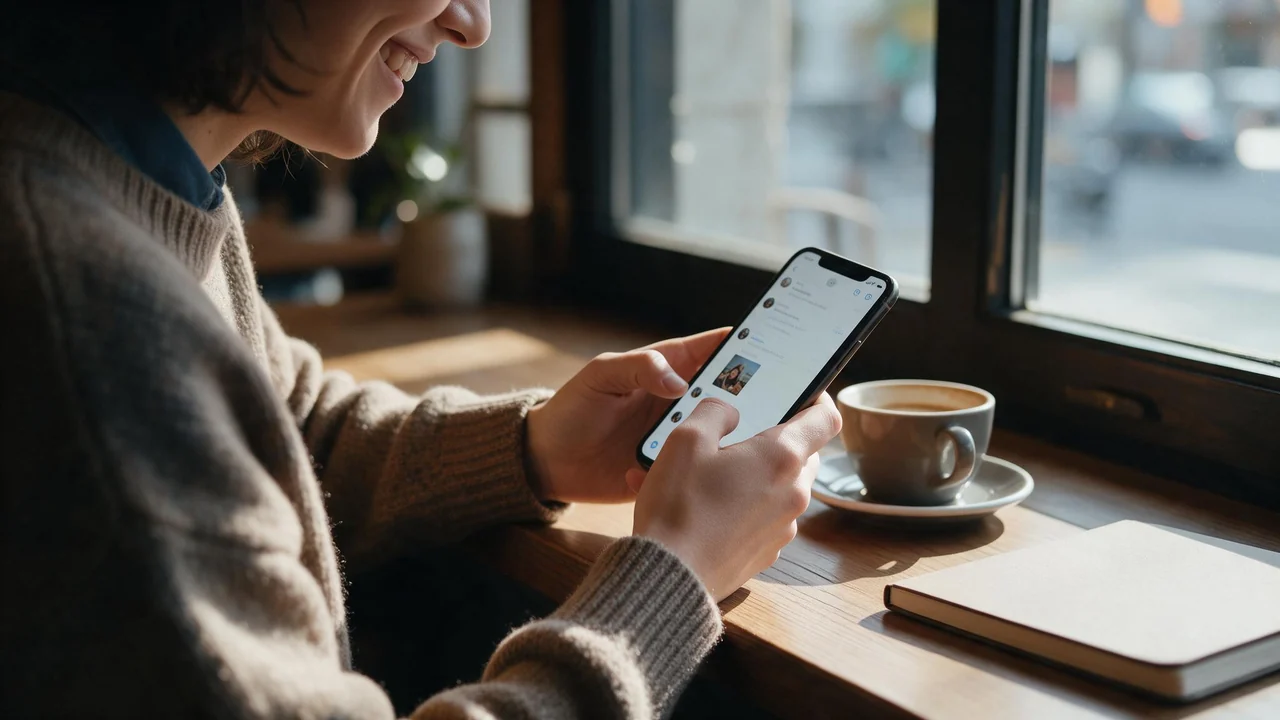
Since today, a chat with a companion who can send photos has a new line under the message field: Show me a scene: followed by two buttons, Photo and Video. It is the shortest route to a picture in Fellowi. You do not have to phrase a request or wait for the companion to decide it is the right moment - you press, and a card appears in the chat while the shot is being prepared.
We have written before about why companions send photos at all and how to ask for one in words. This post is about the buttons: what a press actually does, who pays for it, and where it stops.
What one press does
The button does not pick a random picture. It reads the last few messages of your conversation and works out the moment you are in: where the two of you are, what your companion is wearing, the mood. That becomes the scene for the shot, and your companion adds a short line to go with it, written in the language you chat in.
Photo gives you one still of your companion in that scene. Videogives you a short clip with sound, starting from your companion’s own photo and adding one simple, natural movement - a smile, a turn of the head, a wave. When the chat has not said much yet, or the scene cannot be worked out, a calm default is used instead: a friendly selfie in natural light.
The card shows a progress bar timed from how long a real shot for that companion usually takes. A clip takes noticeably longer than a photo, so it is fine to keep chatting while it runs. Only one press can be on its way per chat; a second tap while the first is running simply tells you one is already coming.
You never get the same one twice
Every companion builds up a collection of their own photos and clips over time. A press looks there first for one you have never been shown, choosing the closest match to the scene. Only when you have seen everything that fits is a new one made, and it then joins the collection. Whichever way it arrives, one person never receives the same picture or clip twice.
Who pays for a press
Your plan comes first. Photos from the button draw on the same photo allowance as photos you ask for in words, and plans also include a number of chat videos per period. Under the buttons you can see what is left, for example Included in your plan: 2 left. The allowance for each plan is listed on the product page, which reads it from the same code that counts it, so it is always current.
Once the allowance is used up, the button shows a price in coins instead. It is the same price the equivalent picture costs in Fellowi Images or the equivalent clip in Fellowi Video, no chat surcharge. If your balance is too low, the coin purchase window opens and nothing is charged. If a shot fails on our side, the card is cleared and any coins you paid go straight back.
One thing the chat allowance does not do: it never covers the video studio. Clips you make yourself on /video are always paid in coins.
The honest limits
- Not every companion has the buttons. They appear only for companions with a photo setup. AI psychologists never have them, and group chats do not either, since a group has no single face to show. The Video button also needs a reference photo of the companion to start from, so a few companions offer Photo alone.
- The scene is a best guess. It comes from the last few messages, not from your whole history, and it is read by a model rather than a person. If you want a particular setting, say it in the chat first, then press.
- Videos are short. A chat clip is a single moment brought to life, not a story with cuts. For longer clips, your own prompt or your own start frame, the studio is the right tool.
- Past the allowance, it costs coins. Every press after that is charged, and the button shows the price before you tap it.
- The rules do not change. A press follows the same rules as the rest of the chat with that companion. The button does not unlock anything the conversation would not allow.
Buttons or words?
Both still work, and they suit different moments. Asking in words keeps the flow of the conversation, and your companion can react to the request itself; the guide to asking covers how to get a good one that way. The buttons are for when you already know you want to see the moment you are in, or when you want a moving picture, which only the Video button can send.
If you are wondering how close these pictures come to a real photograph, we looked at that separately in how realistic AI companion photos are.
Questions this post answers
Why don't I see the Photo and Video buttons with every companion?
They appear only for companions set up to send photos, and only in a one-to-one chat. AI psychologists never have them, and the Video button also needs the companion's own photo to start the clip from.
What does a press cost once my plan's allowance is used up?
The same number of coins the equivalent picture or clip costs in the studio, shown on the button before you press. If your balance cannot cover it, the coin purchase window opens instead and nothing is charged.
What happens if the photo or video does not arrive?
The card is cleared and the press is not counted as delivered. If you paid in coins, they go back to your balance automatically.
Keep reading
How to Ask Your AI Companion for a Photo (And Get a Good One)
There is no magic command. Just ask like you mean it - here is how to get exactly the photo you pictured.

Reference Images: Generate From Your Own Photo, Not Just a Prompt
Up to 10 reference images per generation - your own photo or a companion's - and the model edits from them instead of starting blank.

How Your AI Companion Addresses You, and Why It No Longer Guesses
Dear, darling, tired, glad: in half our languages each of these words says whether you are a man or a woman. Here is how a companion decides, and why it stopped guessing.