

How to Ask Your AI Companion for a Photo (And Get a Good One)
By The Fellowi Team · · 6 min read
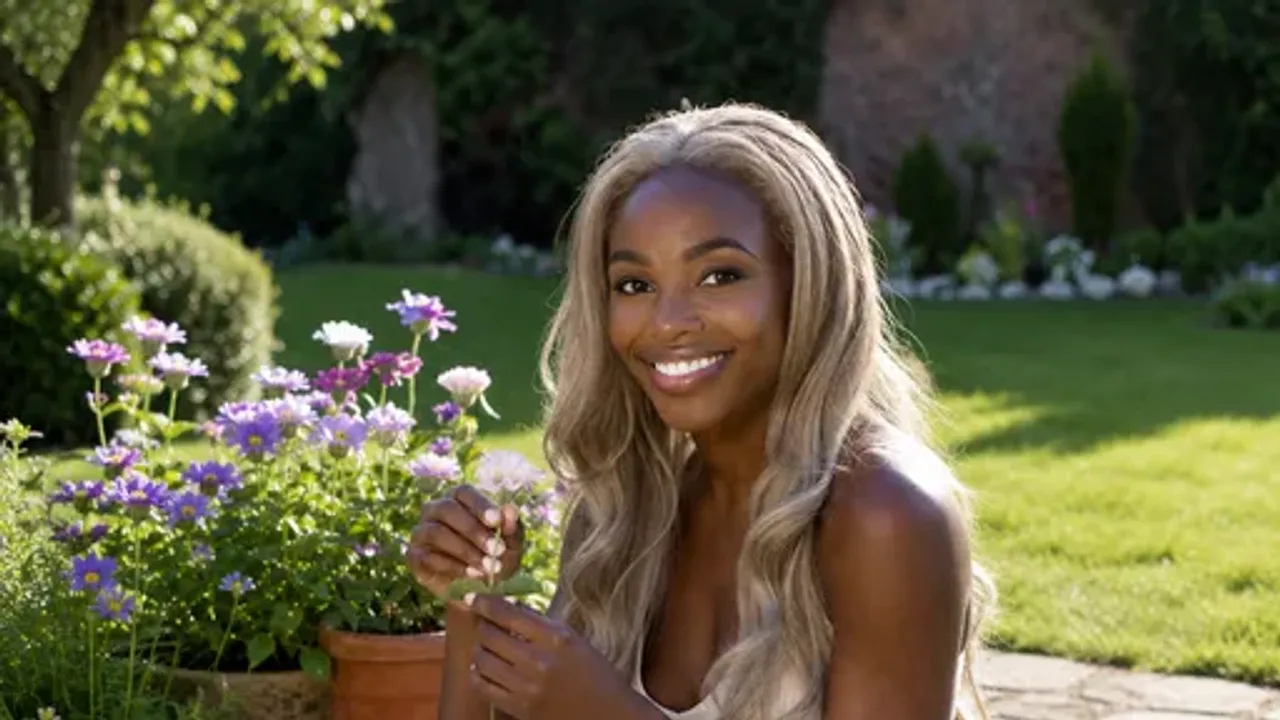
People ask this a lot once they learn Fellowi companions can share photos: is there a command, a magic word, a button somewhere? There is not, and that is intentional. Photos work the same way everything else in the chat works - you ask her the way you would ask an actual person, and she decides, in character, what to send back.
The basics: just ask naturally
“Send me a pic of what you’re wearing”, “what do you look like right now?”, “can I see where you are?” - plain, conversational requests work best. You do not need special phrasing or brackets or keywords. If it reads like something you would actually text a person, your companion will understand it the same way.
Specific requests get specific photos
This is the part people miss at first: a vague “send a pic” will usually get you something quick - sometimes a photo she already has on hand. A specific request gets something made just for that moment. Try being concrete about:
What she is doing- “show me what you’re cooking”, “send a photo from your walk”. What she is wearing- “what does that red dress look like?”. Where she is- “show me your view right now”, “what does your living room look like?”. The more detail you give, the more the photo reflects exactly what you asked for, instead of a generic guess.
What happens after you ask
There is a short wait while the photo is put together - you will see a small progress indicator so it is clear something is happening rather than the chat stalling. Once it is ready, it appears in the conversation like any other message, and you can keep talking about it, ask a follow-up, or request a different angle or scene entirely.
Some companions also have a small set of signature photos they can send instantly, alongside the option to generate something new for a more specific ask - so the first “send a pic” might be quick, and a follow-up request tailored to the moment takes a little longer. Both count toward your monthly allowance, which scales with your plan.
What not to expect
A companion will not claim a photo is a real snapshot from an actual camera, because it is not - every image is generated to match her likeness, not pulled from a real photoshoot. We think that honesty is worth more than the illusion, and we cover exactly why in how realistic are AI companion photos. A companion also will not send a photo that breaks her own character or comfort - she decides what she is willing to share, the same way a person would.
Why this feels different from a chatbot
The point is not the photo itself so much as what it represents: a companion who is somewhere, doing something, wearing something specific - not a static avatar sitting behind a text box. We go deeper into that idea in why your AI companion now shows you her world, and if you want the full picture of how the feature works end to end, start with how Fellowi brings your chat to life.
Just want a picture, no conversation attached, made exactly to your own description? That is a separate tool called Fellowi Images, running on the same kind of generation as your companion’s photos.
Ready to try it yourself? Pick a companion with a photo set and try Fellowi free for 7 days - no card required.
Keep reading

Photo and Video Buttons in Companion Chat: A Guide
One tap under the message field turns the conversation so far into a picture or a short clip. What happens behind it, who pays, and the limits worth knowing first.

Do My Companions Share What They Know About Me? Yes - the Memory Is Yours, Not Theirs
Tell one companion you moved to Lisbon and the next one knows too. Here is exactly what is shared, what stays in one chat, and the switch that turns it all off.

NSFW AI Art Styles: A Guided Tour from Photoreal to Pin-Up
Five looks for adult AI images, the vocabulary that moves a model toward each, one suggestive example prompt apiece, and how to keep a whole set in one style.