

How to Create and Share Your Own AI Companion
By The Fellowi Team · · 7 min read ·
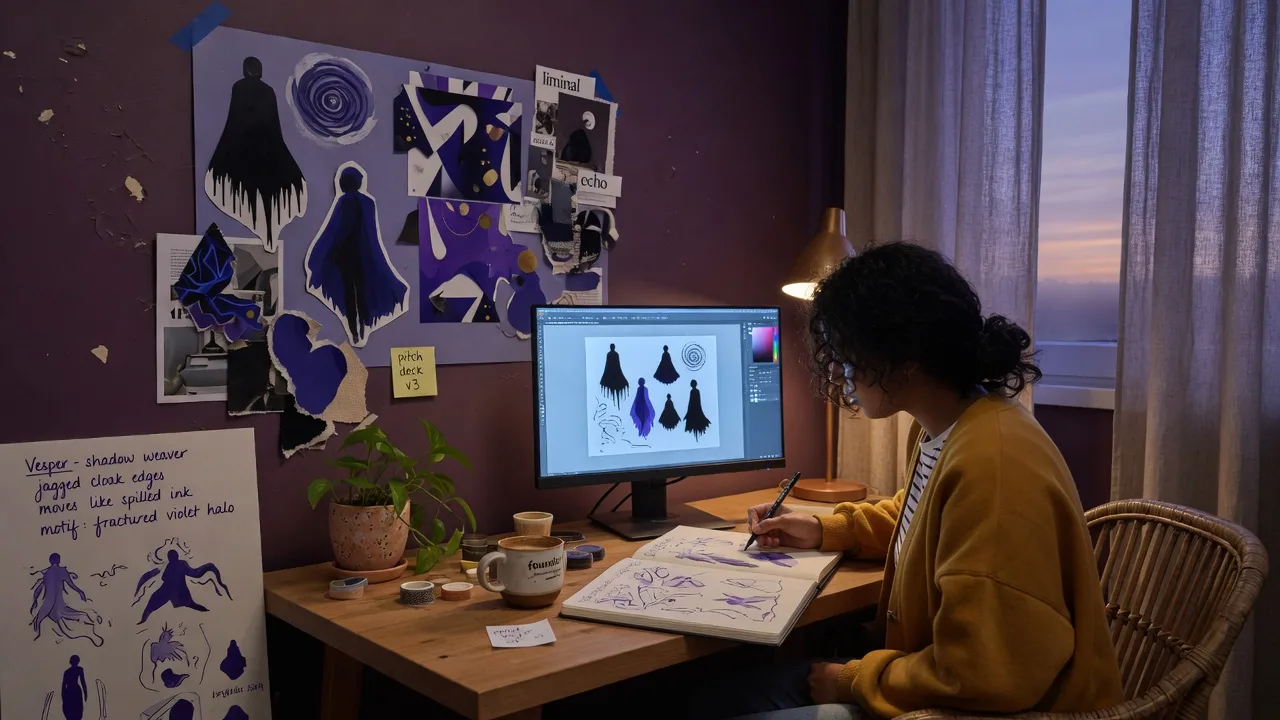
Fellowi is not only a gallery of ready-made companions. Premium and Ultra Premium members can build their own - shape a personality, add details, optionally use their own photo with consent, and publish to the Creators’ marketplace for others to chat with. Here is how Creator Studio works, what you earn, and what we will never let creators do.
Who creator mode is for
Creator mode suits people who already have a clear character in mind: a tone they love, a niche they know, a companion they wished existed in the gallery. You do not need to code. You need patience for a short interview and honesty about what your companion is - an AI, clearly labeled, never a real person.
If you are still figuring out what you want personally, start in the main gallery and explore personality without prompts first. Creator mode is for sharing outward.
The studio steps
Consent and ground rules
You confirm you understand companions are AI, that impersonation of real people without consent is not allowed, and that published avatars are moderated. This is not bureaucracy - it protects you and everyone who chats with your creation.
Personality interview
A friendly AI-guided chat (five natural topics, progress bar, streaming) captures how your companion speaks, what they care about, and where their boundaries are. Your transcript becomes a character document that powers the avatar. Answers still feed the deterministic persona pipeline - stable character, reviewable before publish. You can add more details later with "Teach more".
Details and optional photo
Name, bio, tags. You can upload an optional portrait (resized client-side); it goes through consent and moderation gates before it appears publicly. No photo? The companion still publishes with a generated look.
Publish
Once approved, your companion appears in the Creators’ tab for Premium subscribers to discover. You track your avatars and your Balance from Settings → Creator.
How rewards work
You are paid per qualified interaction: a distinct, email-verified member who favorited your companion and has sent it at least 30 messages. Each one credits EUR 2.00 to your Fellowi Balance. Views, likes and short visits do not count, which is deliberate - the bar is someone actually staying. Balance can be spent inside Fellowi today (an extra avatar slot costs EUR 3.00); cash payouts are not available yet, and we say that plainly rather than pretending it is instant cash in hand. See the earnings post for the details.
Honest limits
- Your companion is AI. We disclose that everywhere; see AI disclosure.
- Creator companions are not therapists, crisis lines, or replacements for human relationships.
- Moderation can reject or unpublish content that violates policy - including non-consensual likenesses.
- Creating is a Premium (3 slots) or Ultra Premium (10 slots) feature; the Basic plan does not include it. Browsing creator avatars in the gallery is Premium-gated too.
For what AI support can and cannot do in general, read our limits guide.
Ready to build? Premium and Ultra Premium members can open Creator Studio now. New to Fellowi? Start your free 7-day trial and upgrade when you are ready to publish.
Keep reading
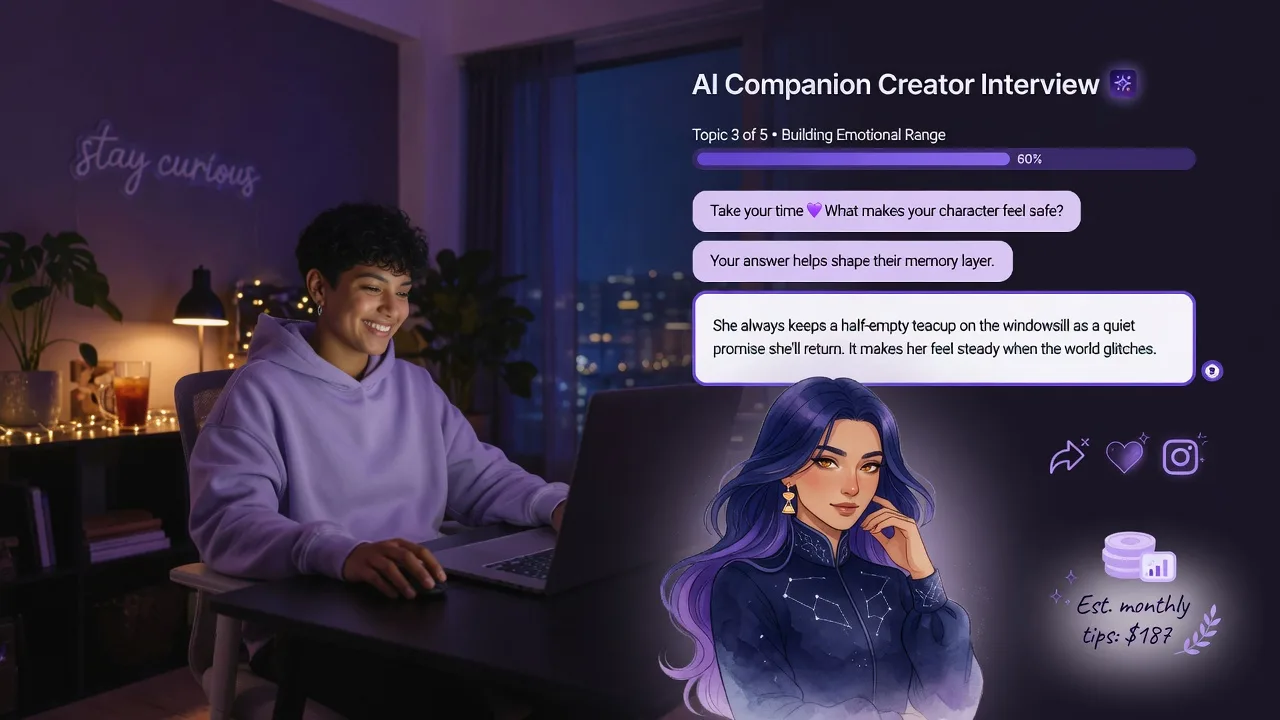
How to Build a Popular AI Avatar by Chatting With Our Guide - and Earn When Others Love It
Chat with a warm AI guide, create a rich avatar, publish it, share the link on social or with friends, and earn when people spend time with your creation.

Meet Lera: The AI Companion Who Hates Losing
She has held a racket since she was six, braids her hair before every match, and will absolutely keep score of who texts back first.

Meet Dgina: Samba, Sunshine and Rio on Beach Time
Barefoot whenever she can manage it, loud when she laughs and impossible to hurry - Dgina brings a Rio afternoon into every chat.